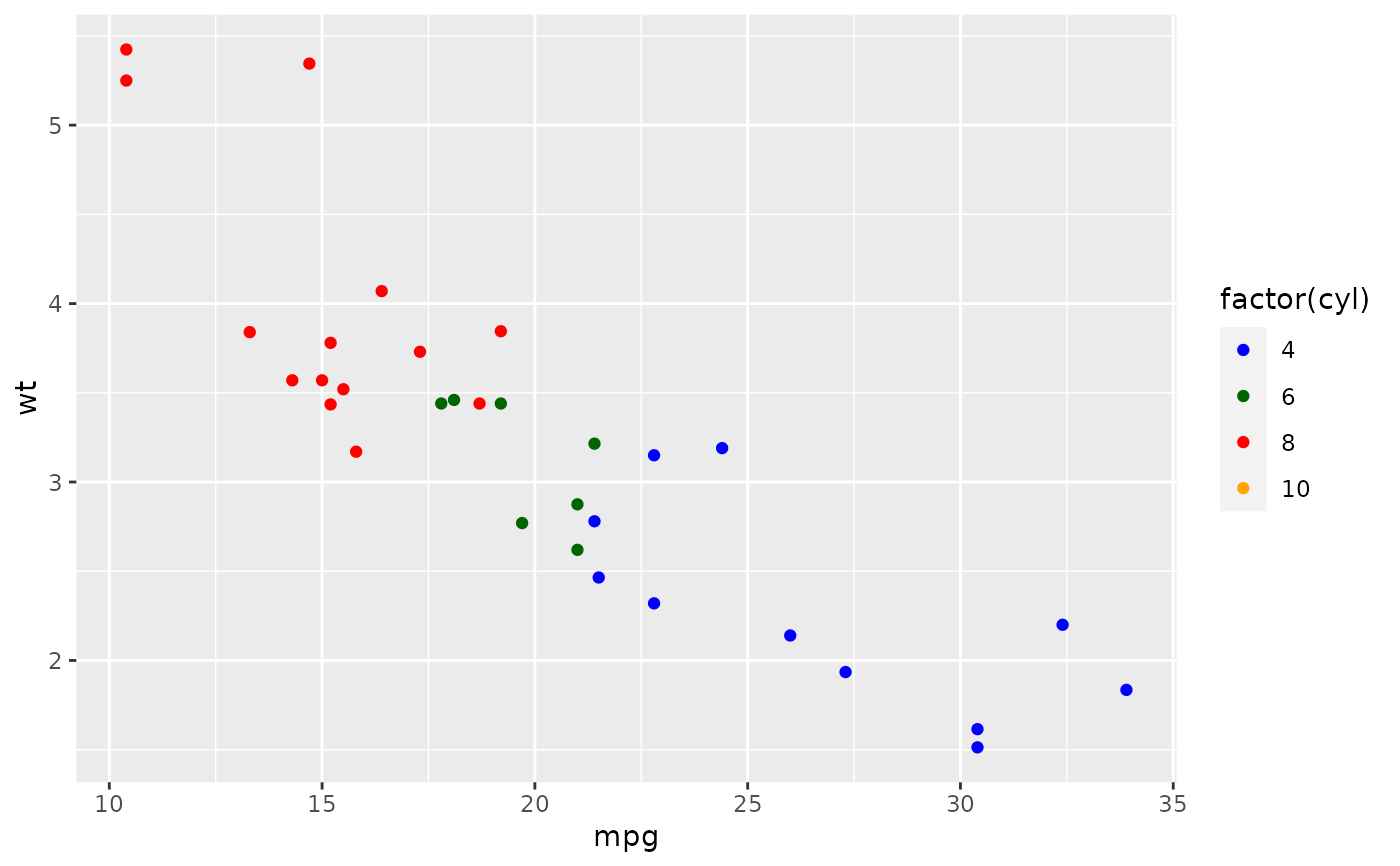
These functions allow you to specify your own set of mappings from levels in the data to aesthetic values.
scale_colour_manual(
  ...,
  values,
  aesthetics = "colour",
  breaks = waiver(),
  na.value = "grey50"
)

scale_fill_manual(
  ...,
  values,
  aesthetics = "fill",
  breaks = waiver(),
  na.value = "grey50"
)

scale_size_manual(..., values, breaks = waiver(), na.value = NA)

scale_shape_manual(..., values, breaks = waiver(), na.value = NA)

scale_linetype_manual(..., values, breaks = waiver(), na.value = "blank")

scale_alpha_manual(..., values, breaks = waiver(), na.value = NA)

scale_discrete_manual(aesthetics, ..., values, breaks = waiver())
Arguments
- ...
Arguments passed on to
discrete_scalepaletteA palette function that when called with a single integer argument (the number of levels in the scale) returns the values that they should take (e.g.,
scales::hue_pal()).limitsOne of:
NULLto use the default scale valuesA character vector that defines possible values of the scale and their order
A function that accepts the existing (automatic) values and returns new ones. Also accepts rlang lambda function notation.
dropShould unused factor levels be omitted from the scale? The default,
TRUE, uses the levels that appear in the data;FALSEuses all the levels in the factor.na.translateUnlike continuous scales, discrete scales can easily show missing values, and do so by default. If you want to remove missing values from a discrete scale, specify
na.translate = FALSE.scale_nameThe name of the scale that should be used for error messages associated with this scale.
nameThe name of the scale. Used as the axis or legend title. If
waiver(), the default, the name of the scale is taken from the first mapping used for that aesthetic. IfNULL, the legend title will be omitted.labelsOne of:
guideA function used to create a guide or its name. See
guides()for more information.superThe super class to use for the constructed scale
- values
a set of aesthetic values to map data values to. The values will be matched in order (usually alphabetical) with the limits of the scale, or with
breaksif provided. If this is a named vector, then the values will be matched based on the names instead. Data values that don't match will be givenna.value.- aesthetics
Character string or vector of character strings listing the name(s) of the aesthetic(s) that this scale works with. This can be useful, for example, to apply colour settings to the
colourandfillaesthetics at the same time, viaaesthetics = c("colour", "fill").- breaks
One of:
NULLfor no breakswaiver()for the default breaks (the scale limits)A character vector of breaks
A function that takes the limits as input and returns breaks as output
- na.value
The aesthetic value to use for missing (
NA) values
Details
The functions scale_colour_manual(), scale_fill_manual(), scale_size_manual(),
etc. work on the aesthetics specified in the scale name: colour, fill, size,
etc. However, the functions scale_colour_manual() and scale_fill_manual() also
have an optional aesthetics argument that can be used to define both colour and
fill aesthetic mappings via a single function call (see examples). The function
scale_discrete_manual() is a generic scale that can work with any aesthetic or set
of aesthetics provided via the aesthetics argument.
Color Blindness
Many color palettes derived from RGB combinations (like the "rainbow" color
palette) are not suitable to support all viewers, especially those with
color vision deficiencies. Using viridis type, which is perceptually
uniform in both colour and black-and-white display is an easy option to
ensure good perceptive properties of your visulizations.
The colorspace package offers functionalities
to generate color palettes with good perceptive properties,
to analyse a given color palette, like emulating color blindness,
and to modify a given color palette for better perceptivity.
For more information on color vision deficiencies and suitable color choices see the paper on the colorspace package and references therein.
Examples
p <- ggplot(mtcars, aes(mpg, wt)) +
geom_point(aes(colour = factor(cyl)))
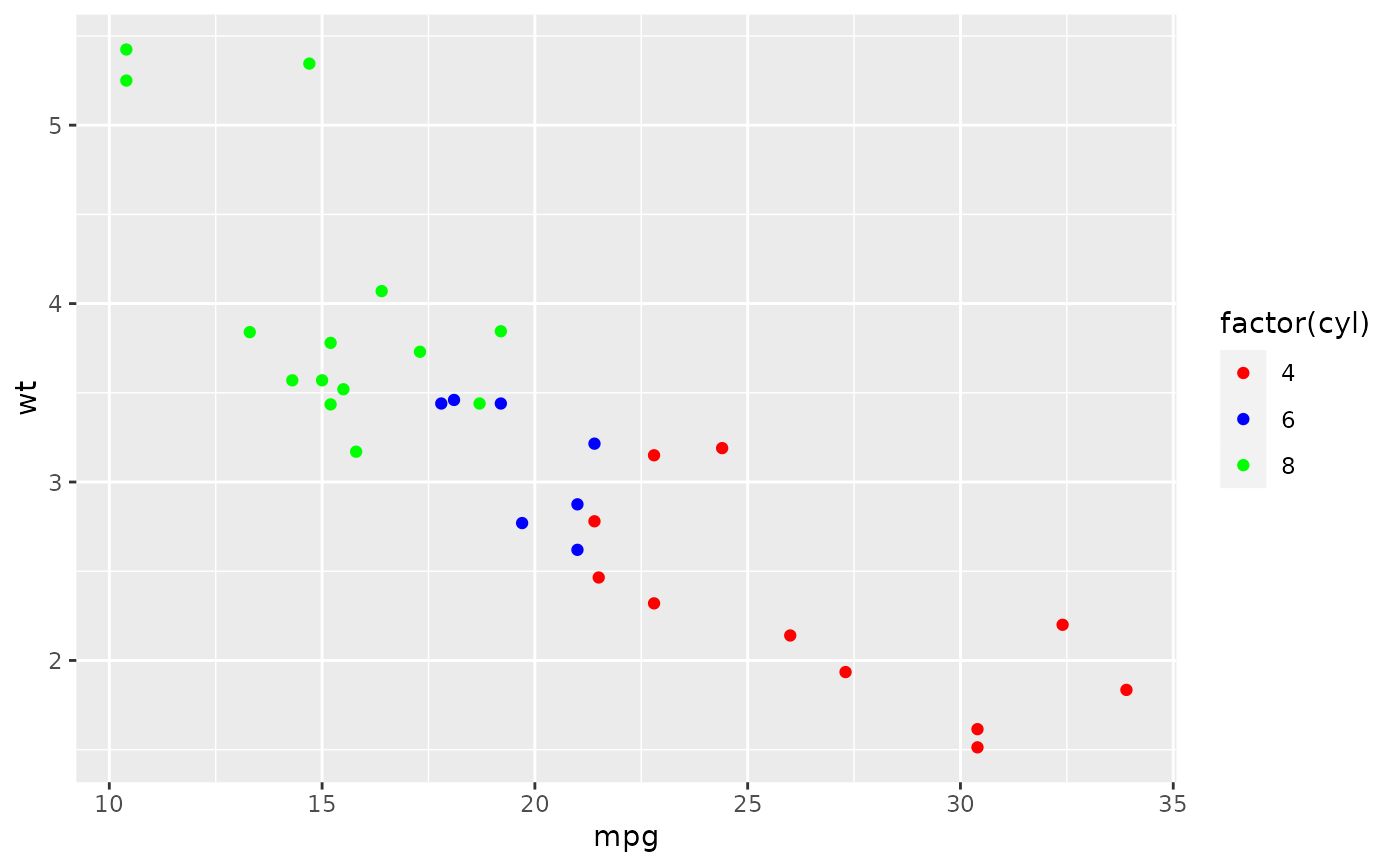
p + scale_colour_manual(values = c("red", "blue", "green"))
 # It's recommended to use a named vector
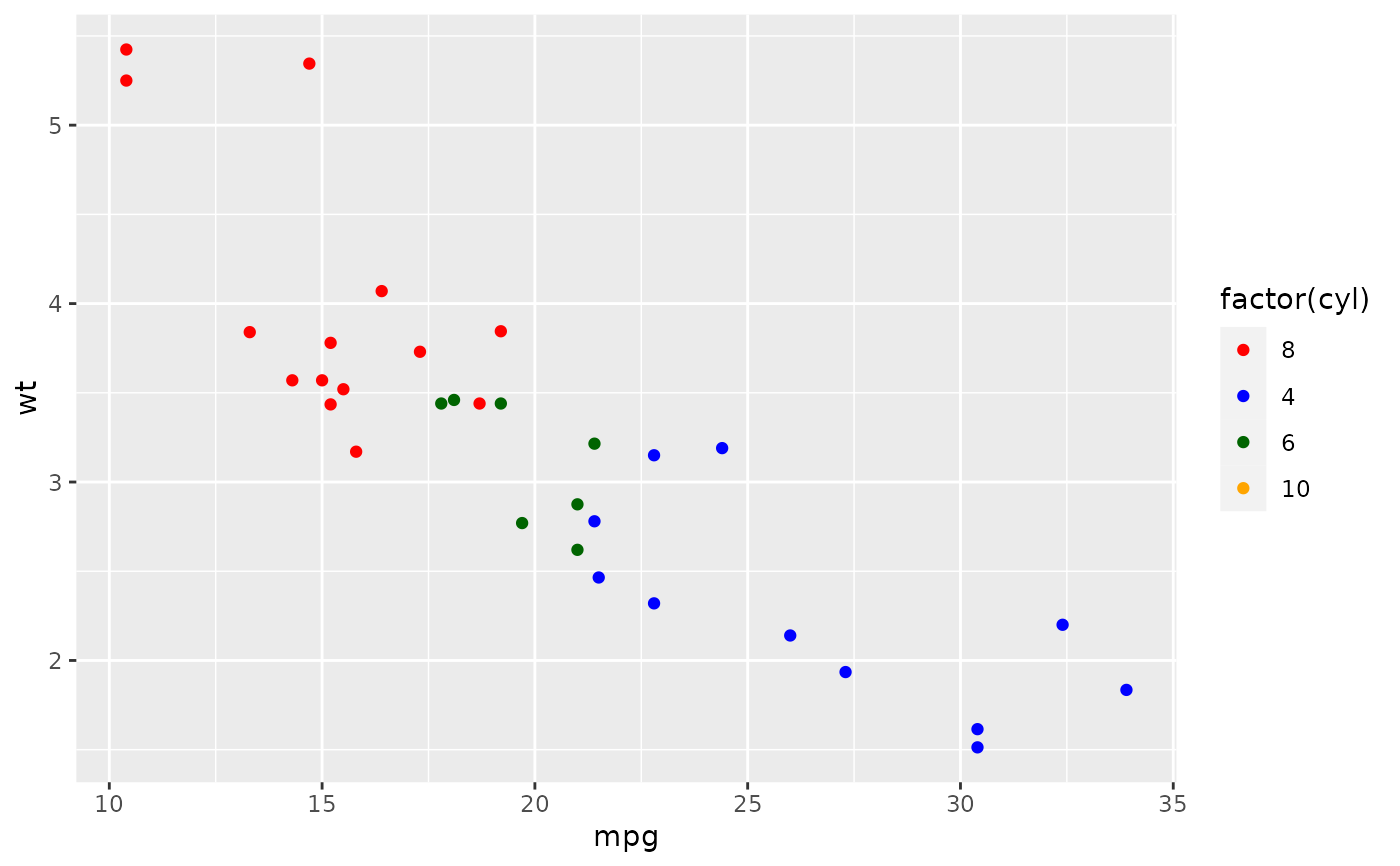
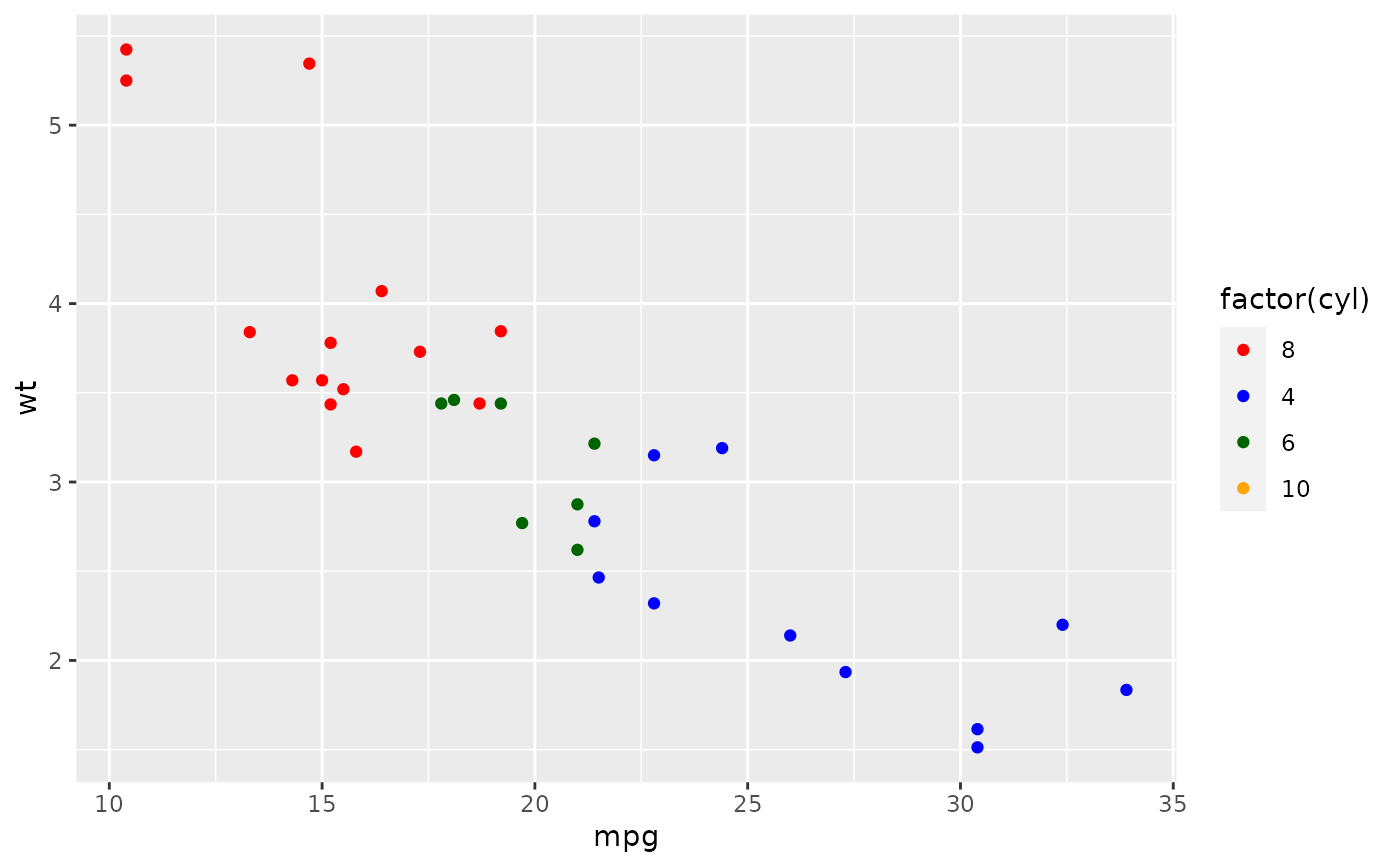
cols <- c("8" = "red", "4" = "blue", "6" = "darkgreen", "10" = "orange")
p + scale_colour_manual(values = cols)
# It's recommended to use a named vector
cols <- c("8" = "red", "4" = "blue", "6" = "darkgreen", "10" = "orange")
p + scale_colour_manual(values = cols)
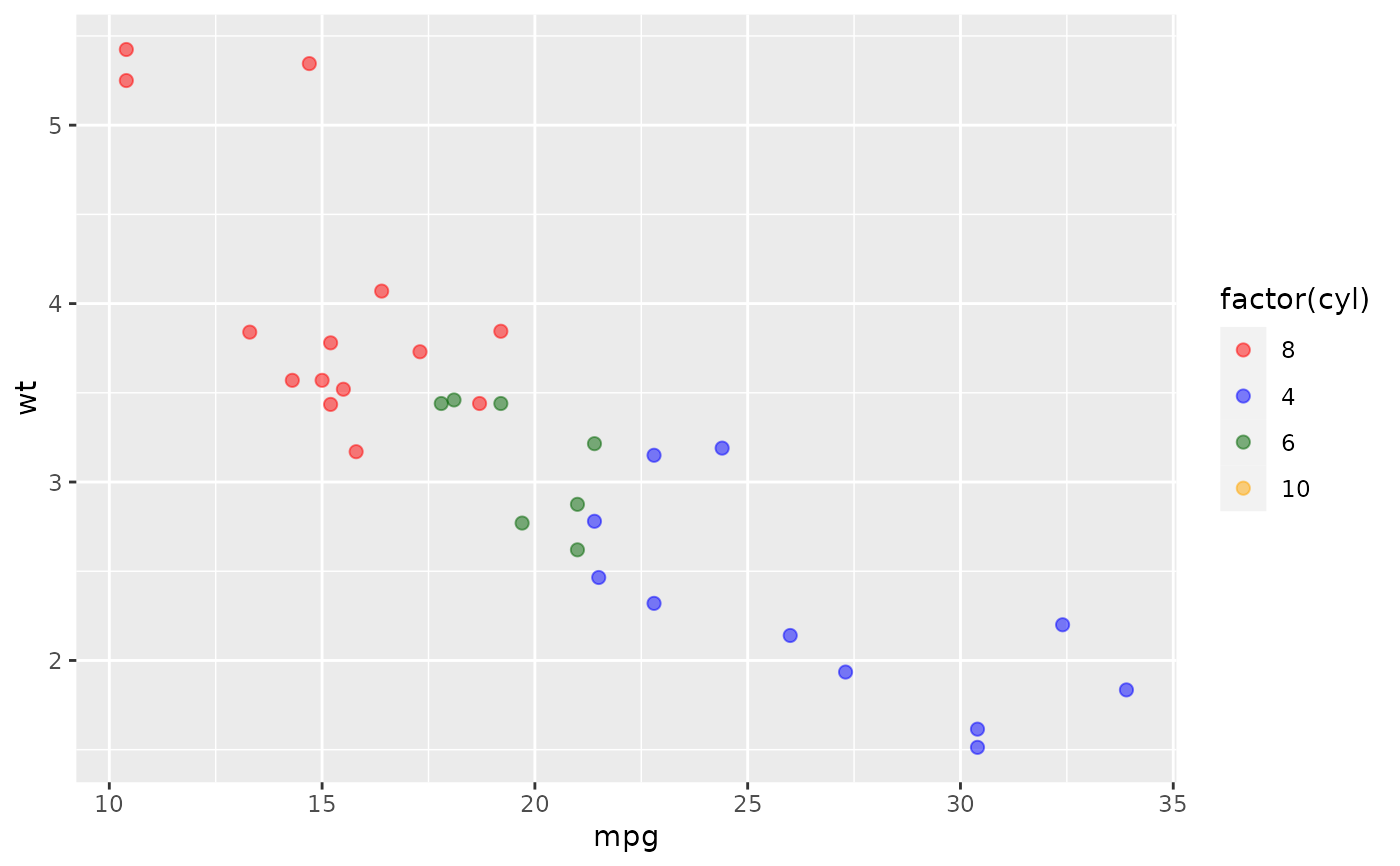
 # You can set color and fill aesthetics at the same time
ggplot(
mtcars,
aes(mpg, wt, colour = factor(cyl), fill = factor(cyl))
) +
geom_point(shape = 21, alpha = 0.5, size = 2) +
scale_colour_manual(
values = cols,
aesthetics = c("colour", "fill")
)
# You can set color and fill aesthetics at the same time
ggplot(
mtcars,
aes(mpg, wt, colour = factor(cyl), fill = factor(cyl))
) +
geom_point(shape = 21, alpha = 0.5, size = 2) +
scale_colour_manual(
values = cols,
aesthetics = c("colour", "fill")
)
 # As with other scales you can use breaks to control the appearance
# of the legend.
p + scale_colour_manual(values = cols)
# As with other scales you can use breaks to control the appearance
# of the legend.
p + scale_colour_manual(values = cols)
 p + scale_colour_manual(
values = cols,
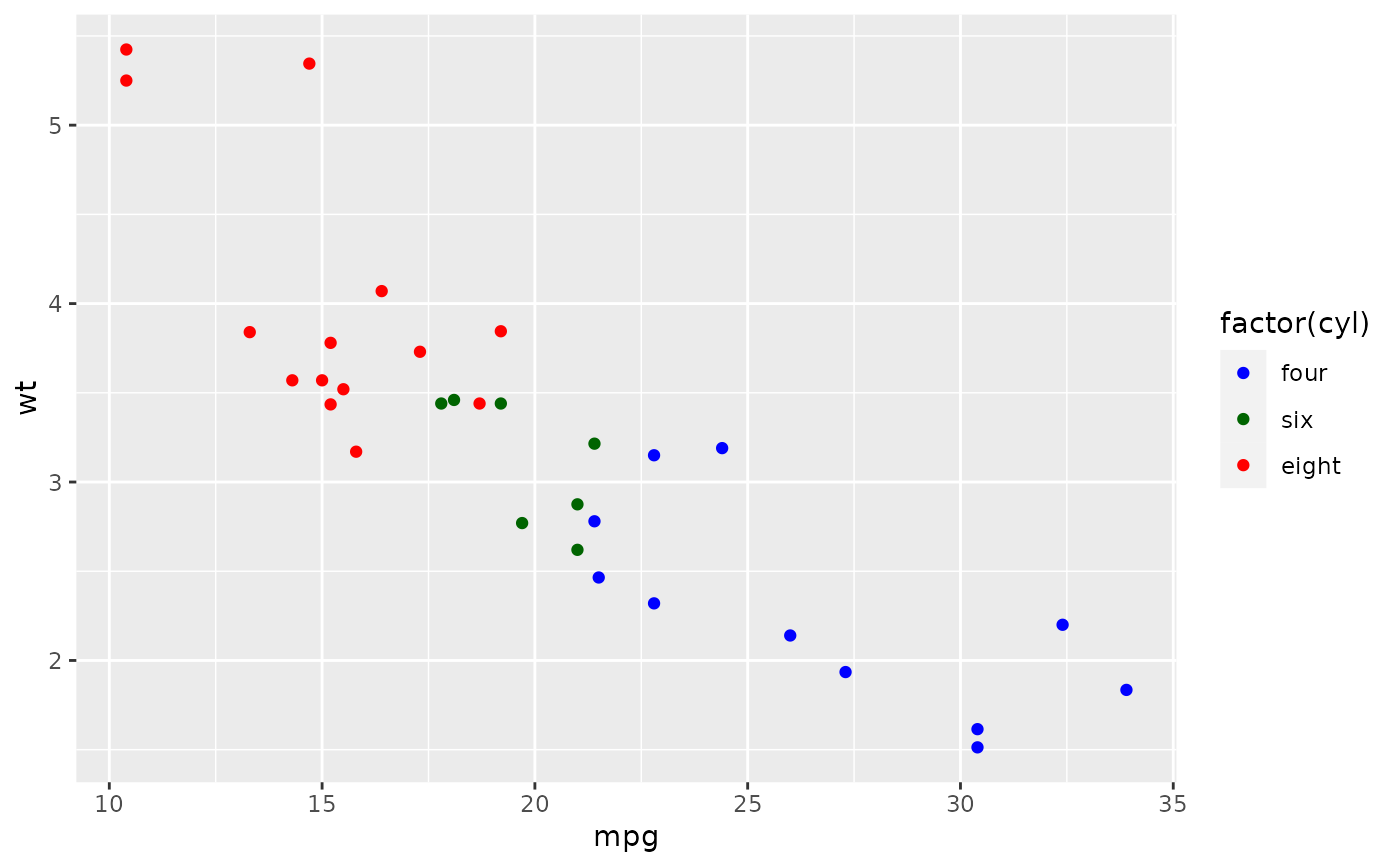
breaks = c("4", "6", "8"),
labels = c("four", "six", "eight")
)
p + scale_colour_manual(
values = cols,
breaks = c("4", "6", "8"),
labels = c("four", "six", "eight")
)
 # And limits to control the possible values of the scale
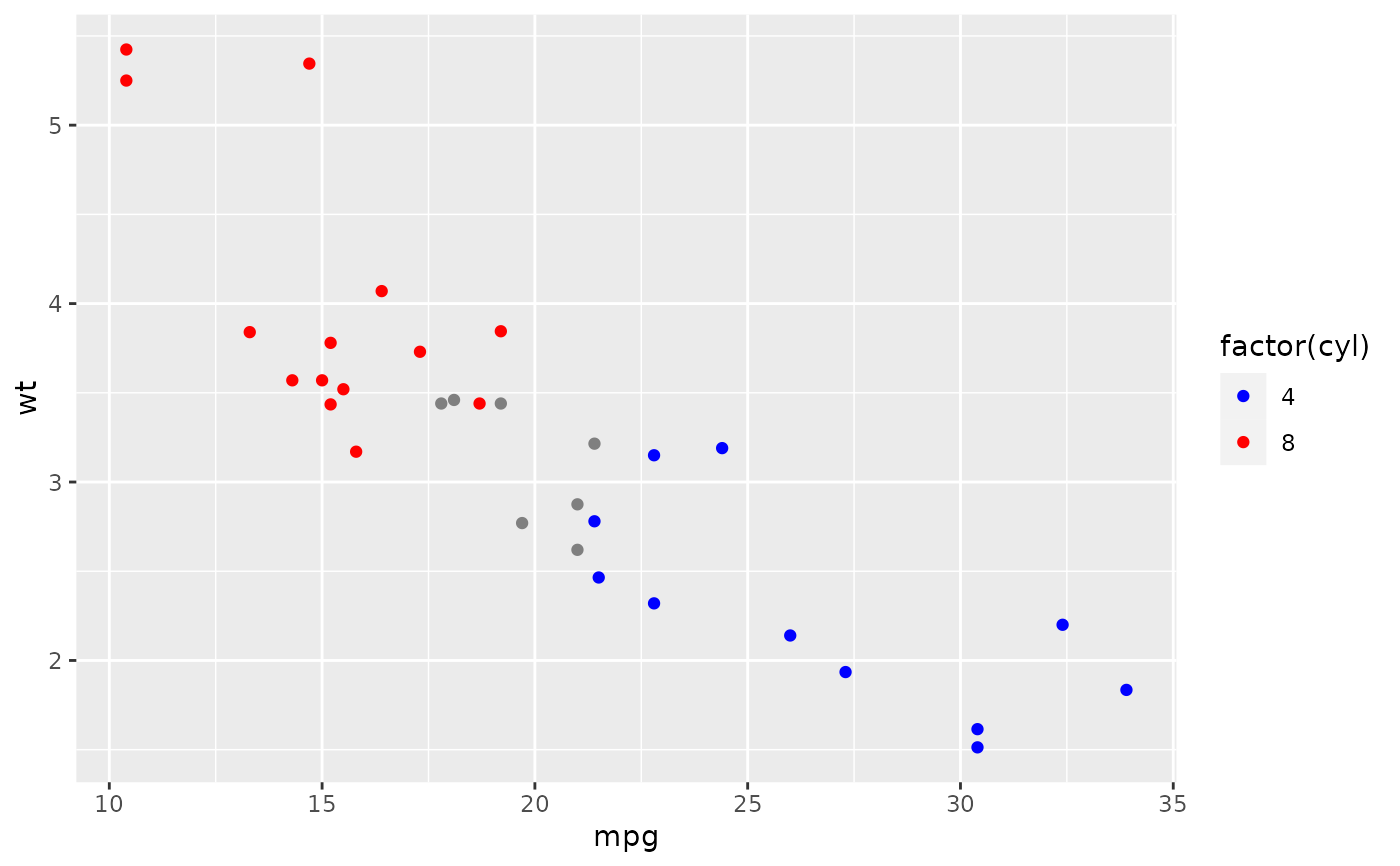
p + scale_colour_manual(values = cols, limits = c("4", "8"))
# And limits to control the possible values of the scale
p + scale_colour_manual(values = cols, limits = c("4", "8"))
 p + scale_colour_manual(values = cols, limits = c("4", "6", "8", "10"))