Colour related aesthetics: colour, fill, and alpha
Source:R/aes-colour-fill-alpha.r
aes_colour_fill_alpha.RdThese aesthetics parameters change the colour (colour and fill) and the
opacity (alpha) of geom elements on a plot. Almost every geom has either
colour or fill (or both), as well as can have their alpha modified.
Modifying colour on a plot is a useful way to enhance the presentation of data,
often especially when a plot graphs more than two variables.
Colour and fill
Colours and fills can be specified in the following ways:
A name, e.g.,
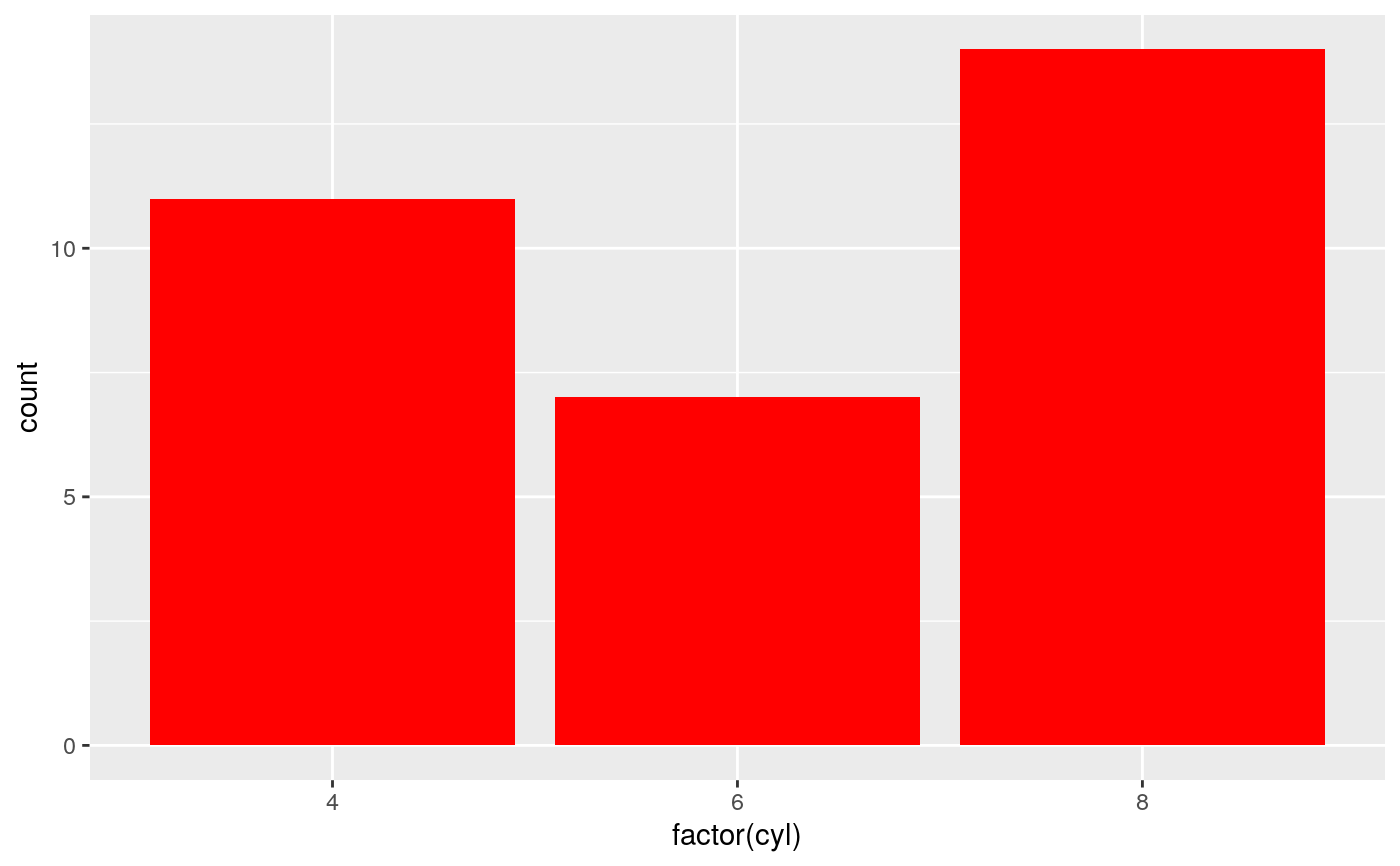
"red". R has 657 built-in named colours, which can be listed withgrDevices::colors().An rgb specification, with a string of the form
"#RRGGBB"where each of the pairsRR,GG,BBconsists of two hexadecimal digits giving a value in the range00toFF. You can optionally make the colour transparent by using the form"#RRGGBBAA".An
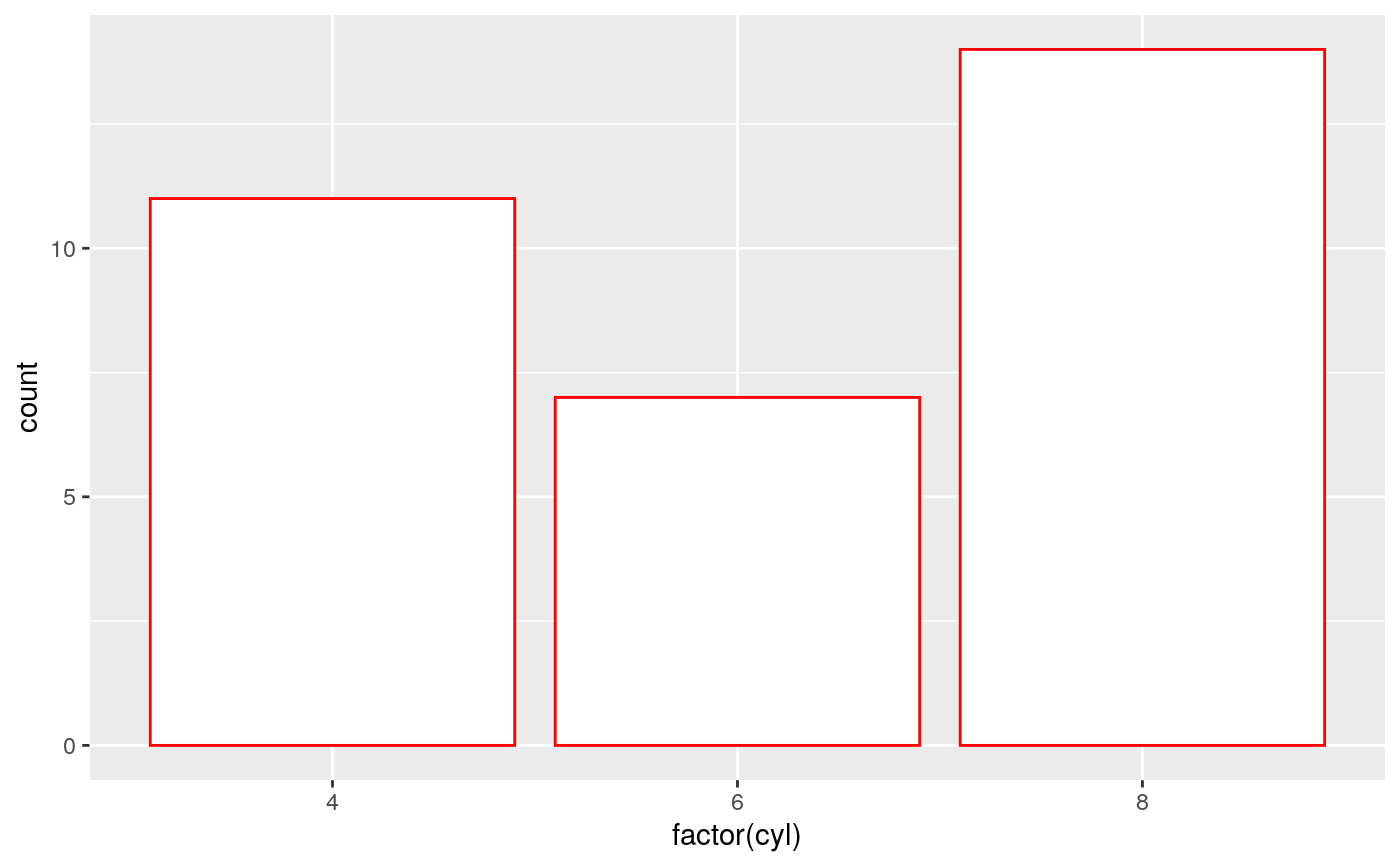
NA, for a completely transparent colour.
Alpha
Alpha refers to the opacity of a geom. Values of alpha range from 0 to 1,
with lower values corresponding to more transparent colors.
Alpha can additionally be modified through the colour or fill aesthetic
if either aesthetic provides color values using an rgb specification
("#RRGGBBAA"), where AA refers to transparency values.
See also
Other options for modifying colour:
scale_colour_brewer(),scale_colour_gradient(),scale_colour_grey(),scale_colour_hue(),scale_colour_identity(),scale_colour_manual(),scale_colour_viridis_d()Other options for modifying fill:
scale_fill_brewer(),scale_fill_gradient(),scale_fill_grey(),scale_fill_hue(),scale_fill_identity(),scale_fill_manual(),scale_fill_viridis_d()Other options for modifying alpha:
scale_alpha()Run
vignette("ggplot2-specs")to see an overview of other aesthestics that can be modified.
Examples
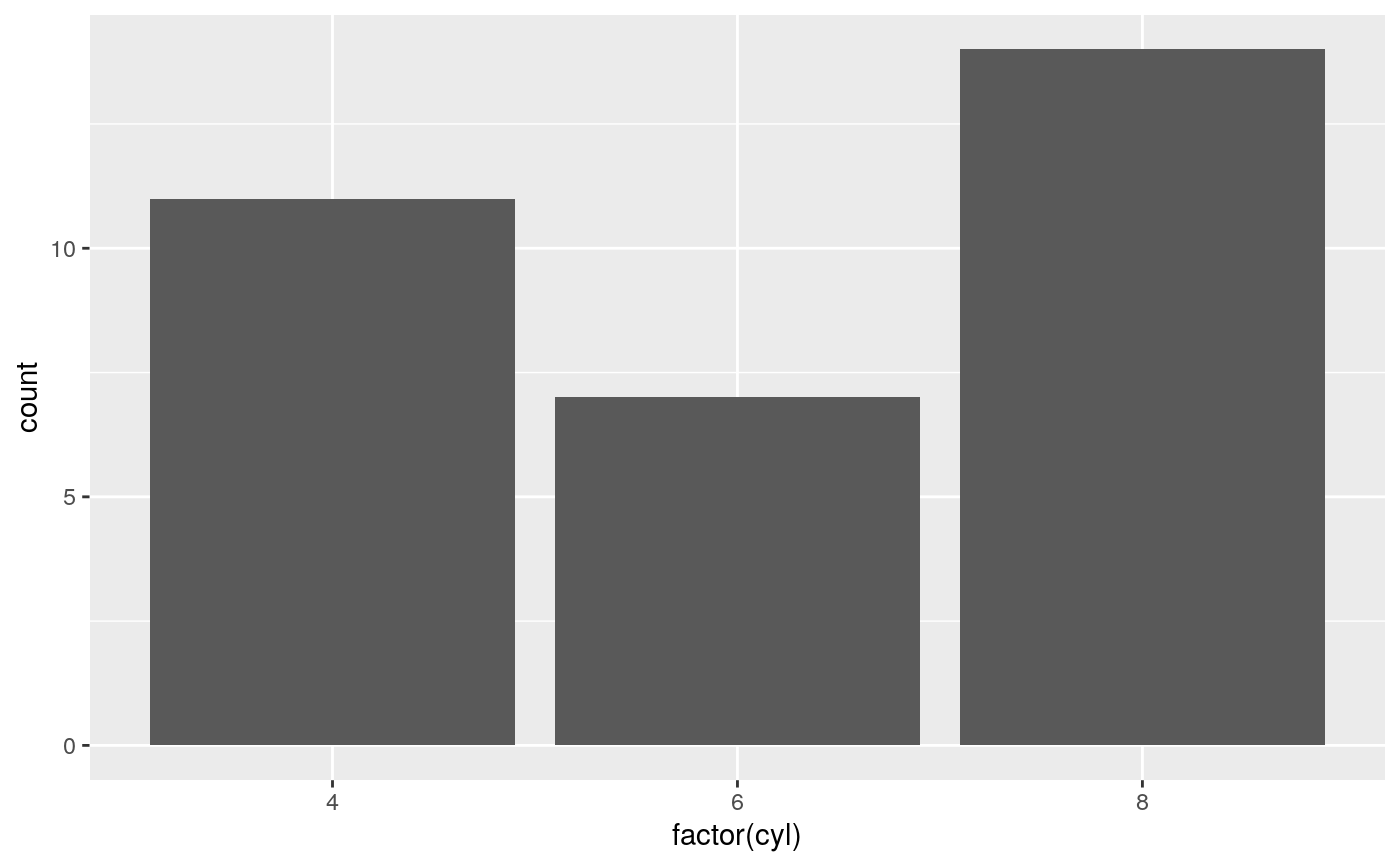
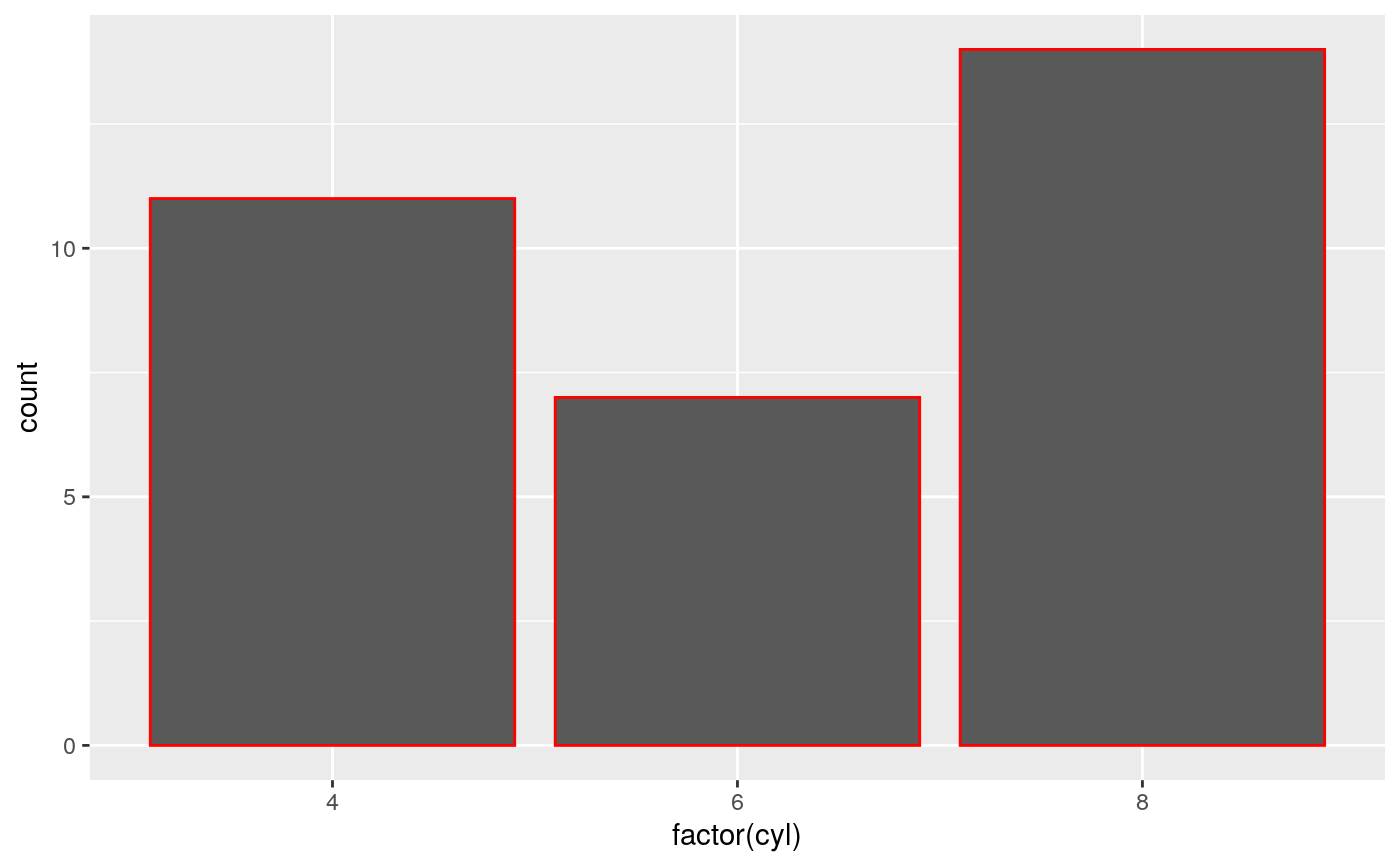
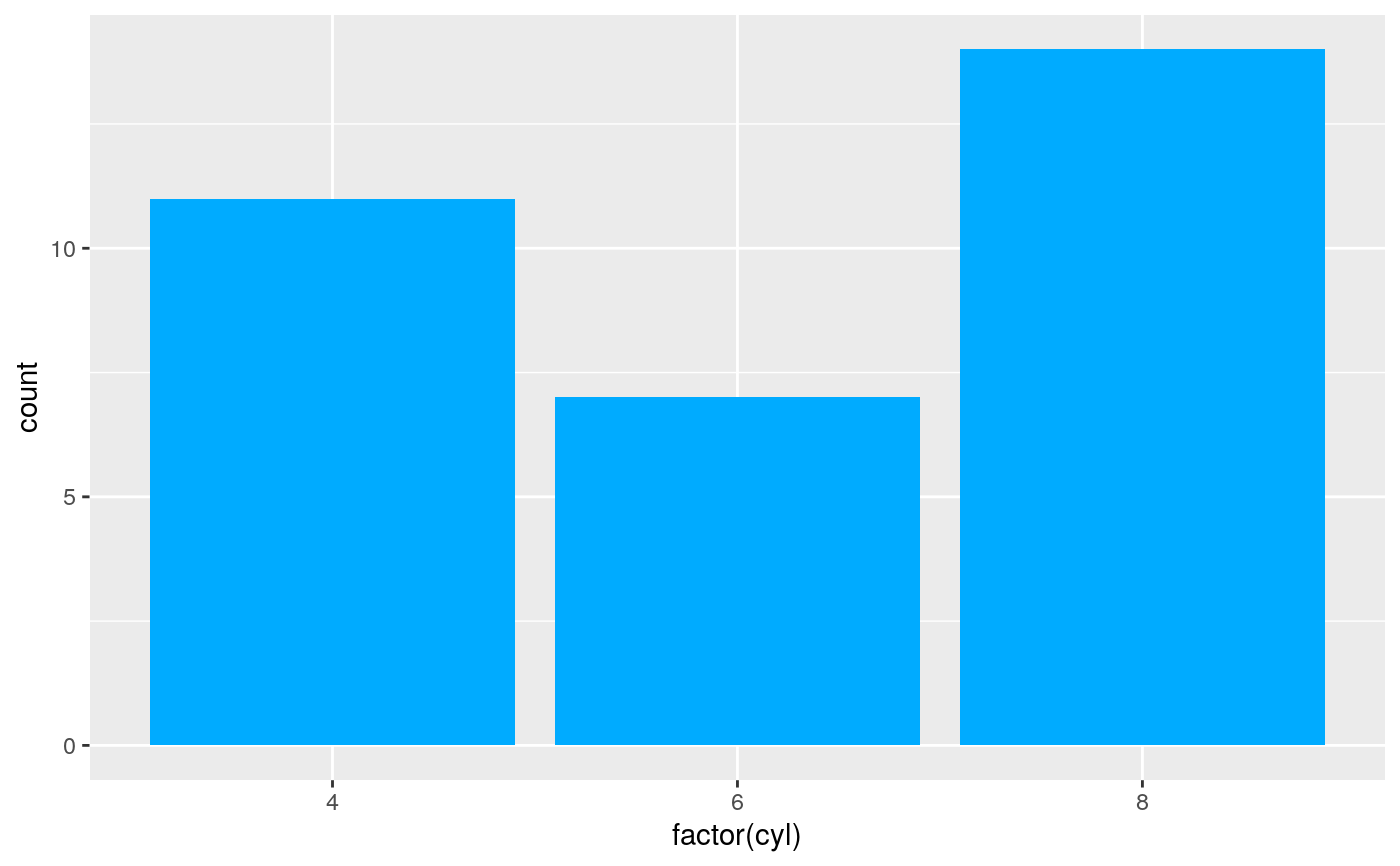
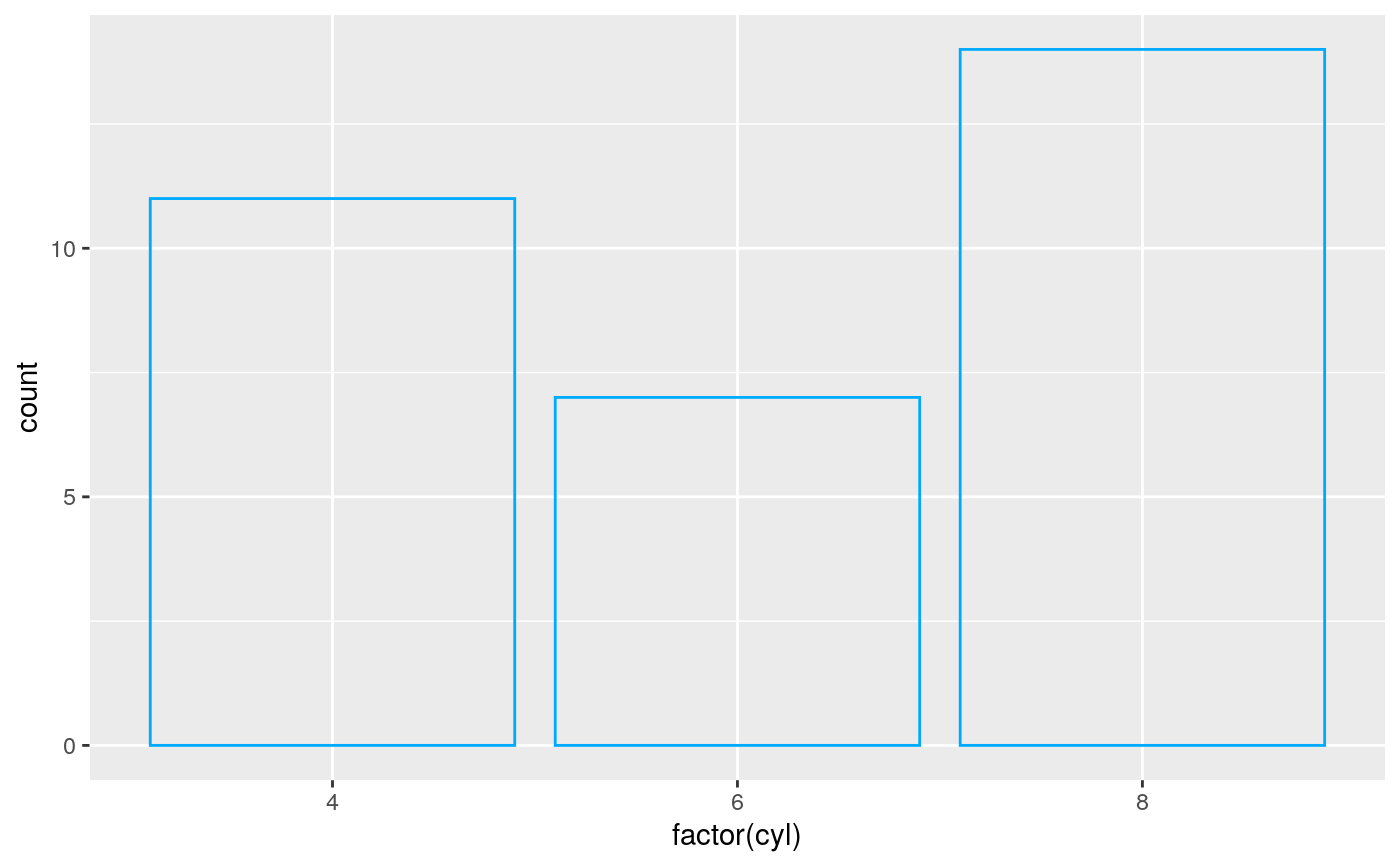
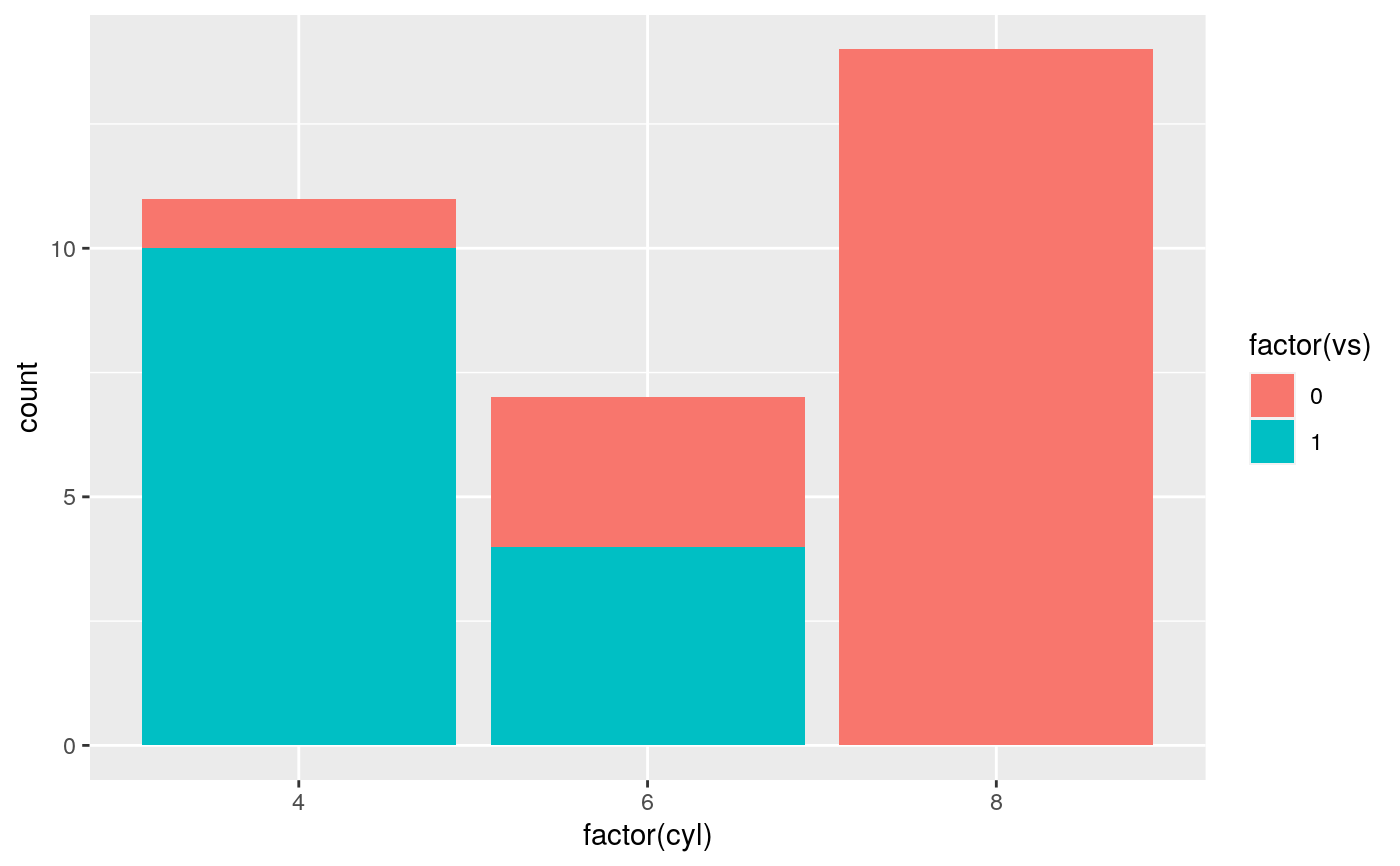
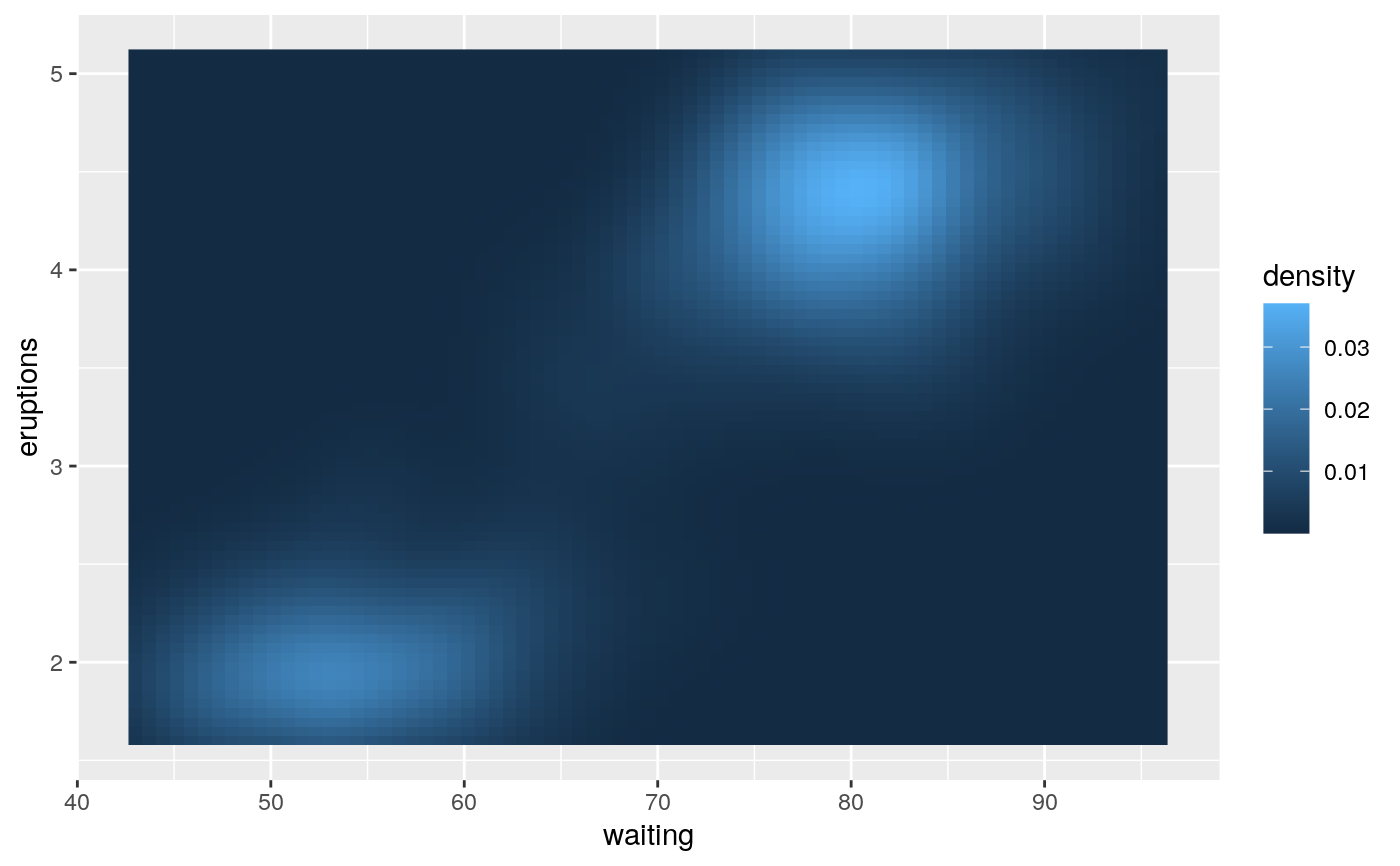
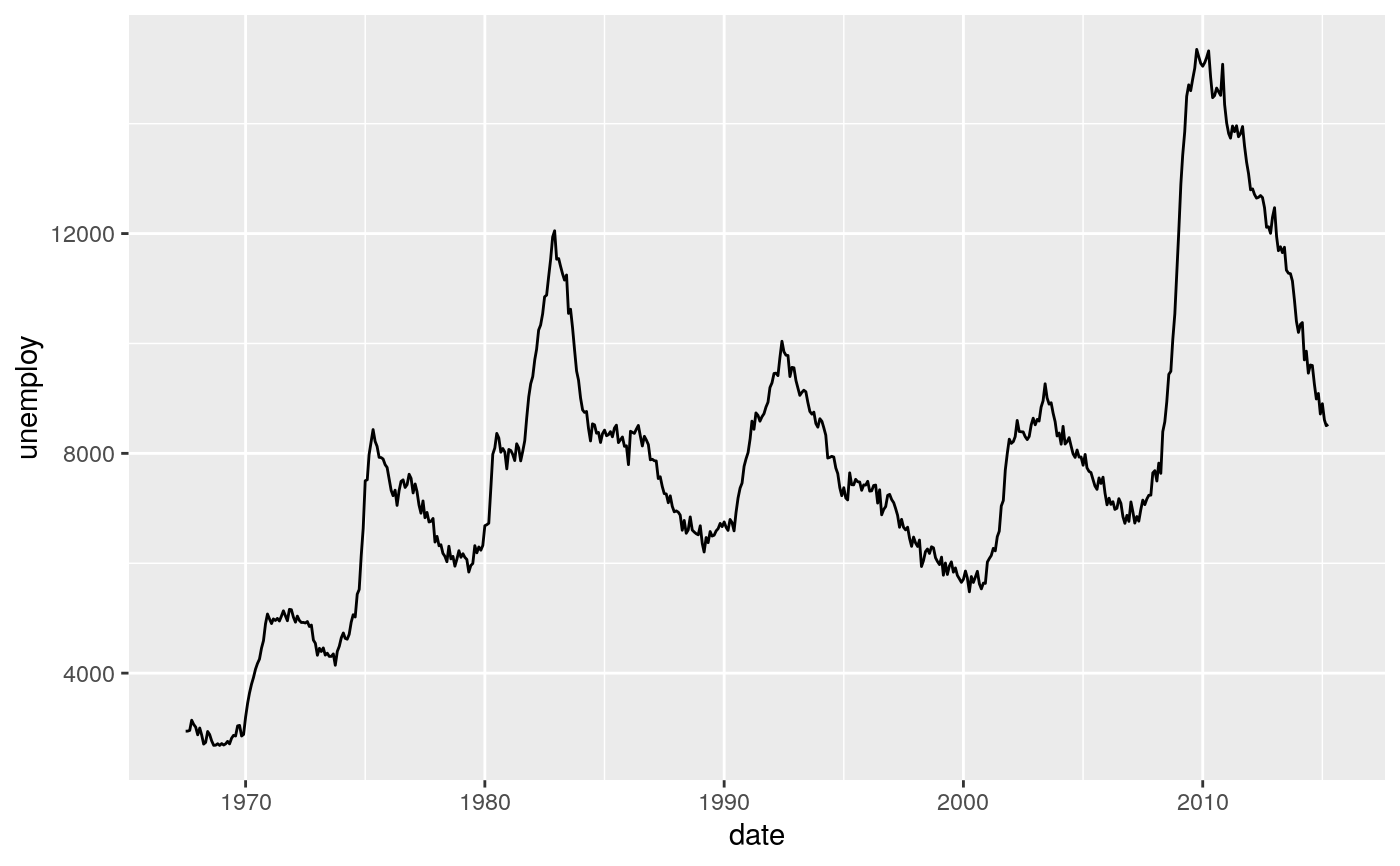
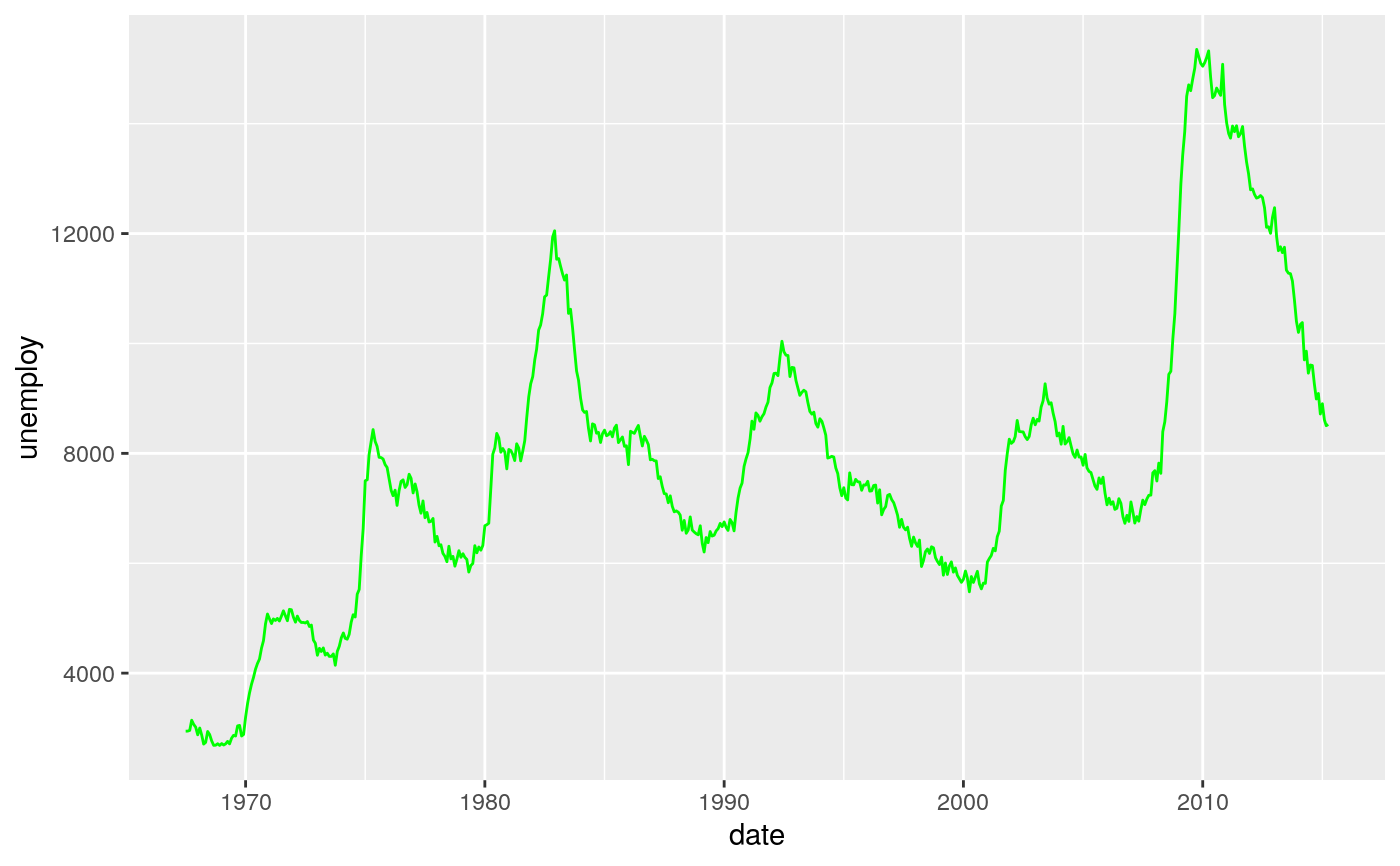
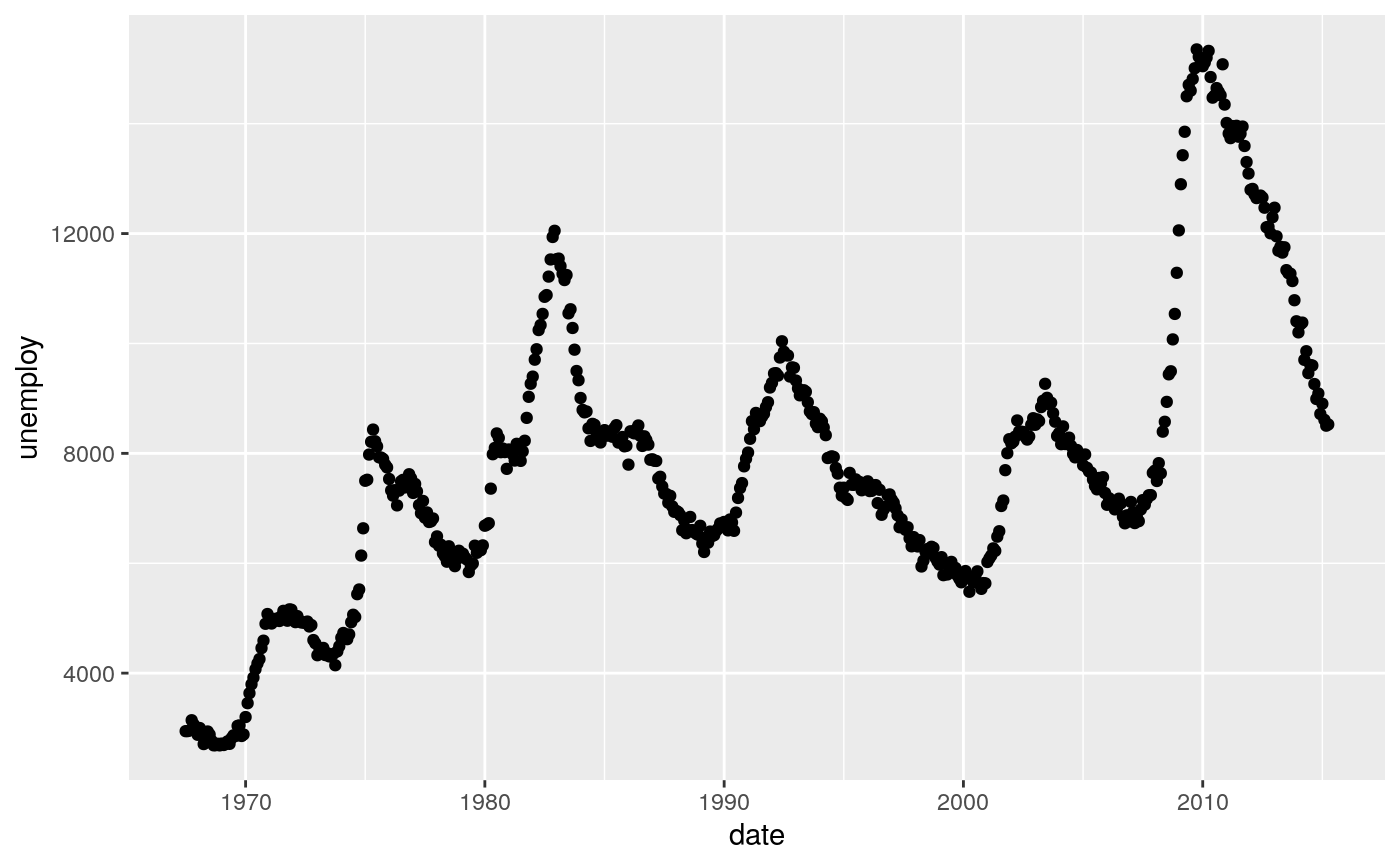
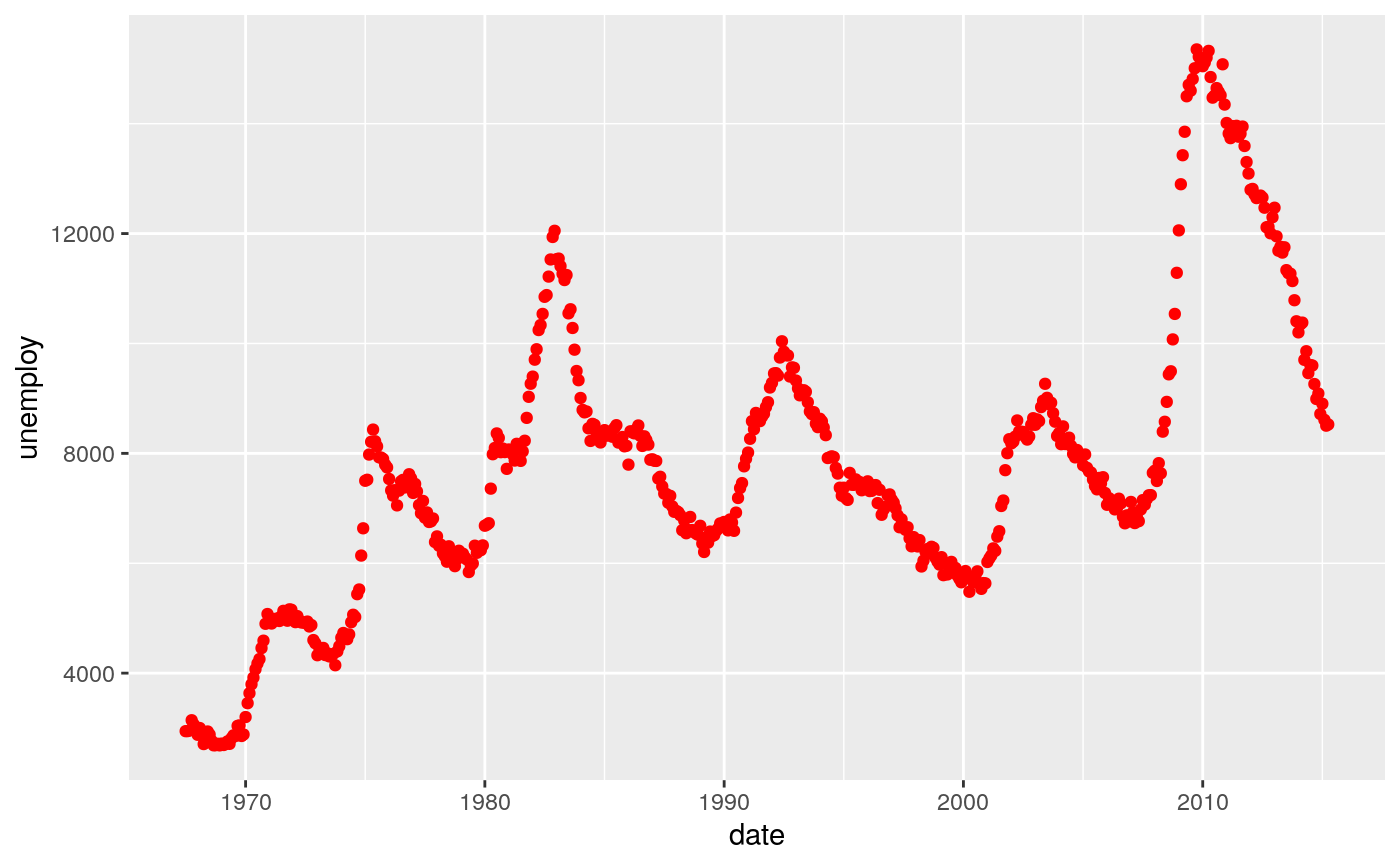
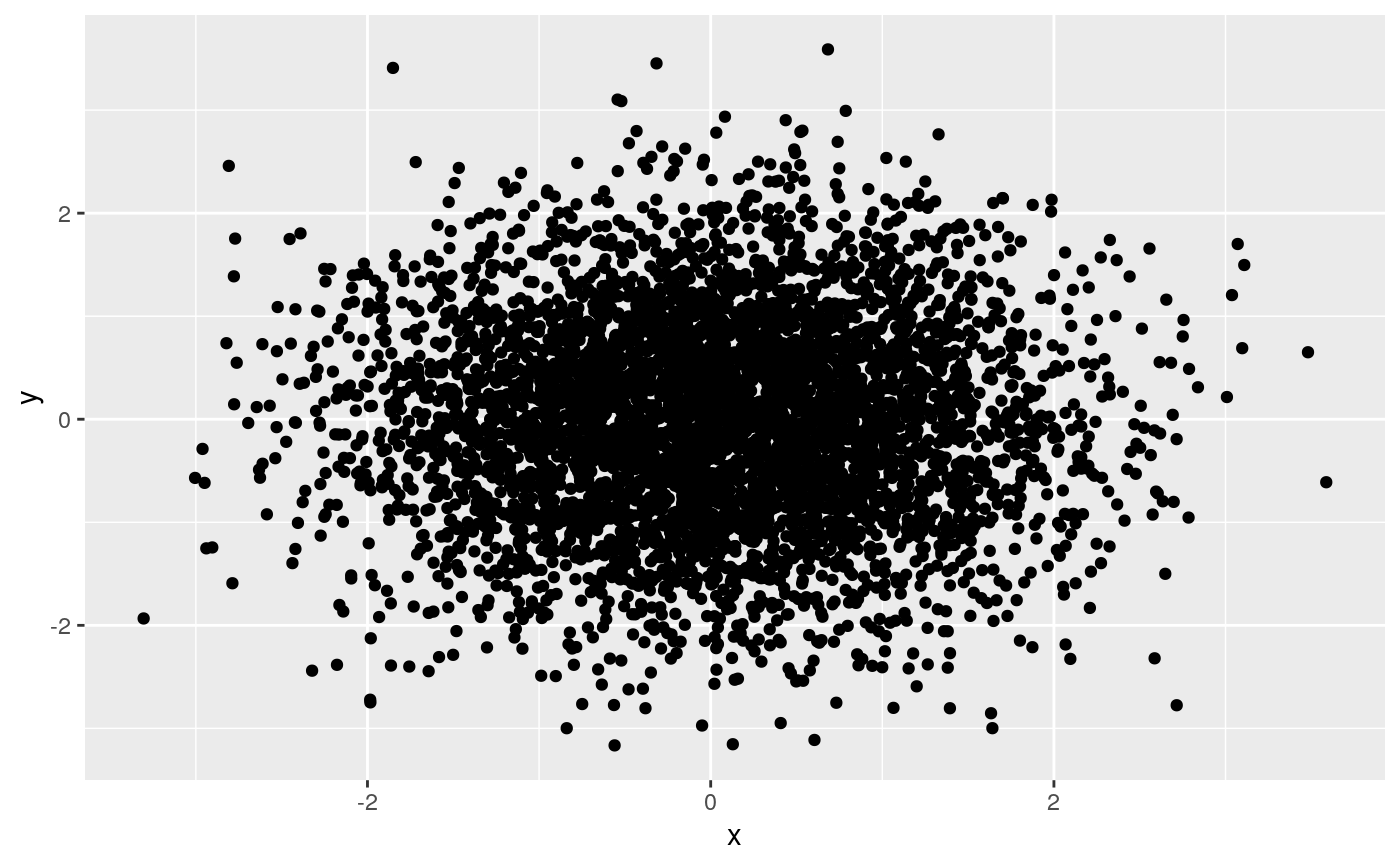
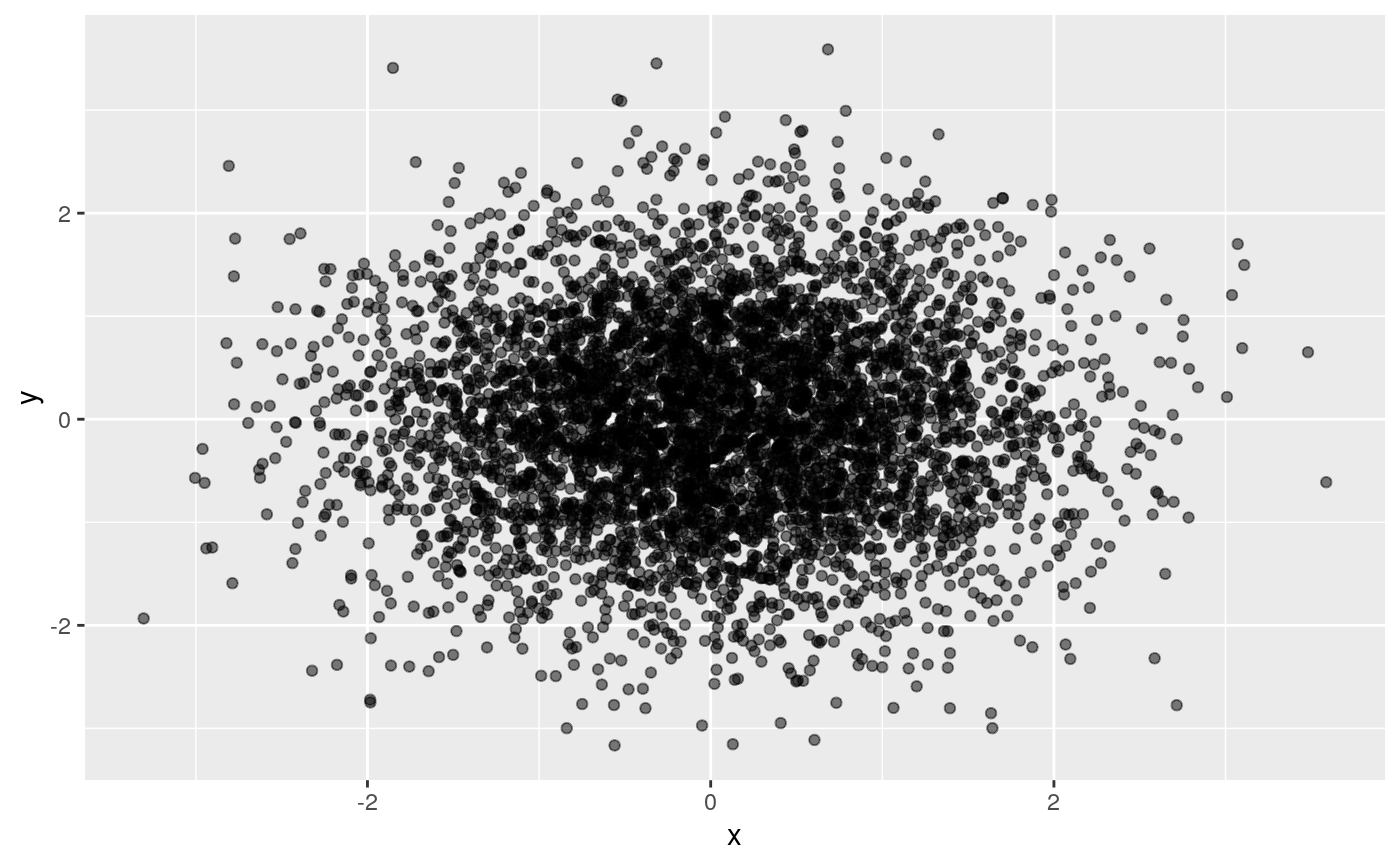
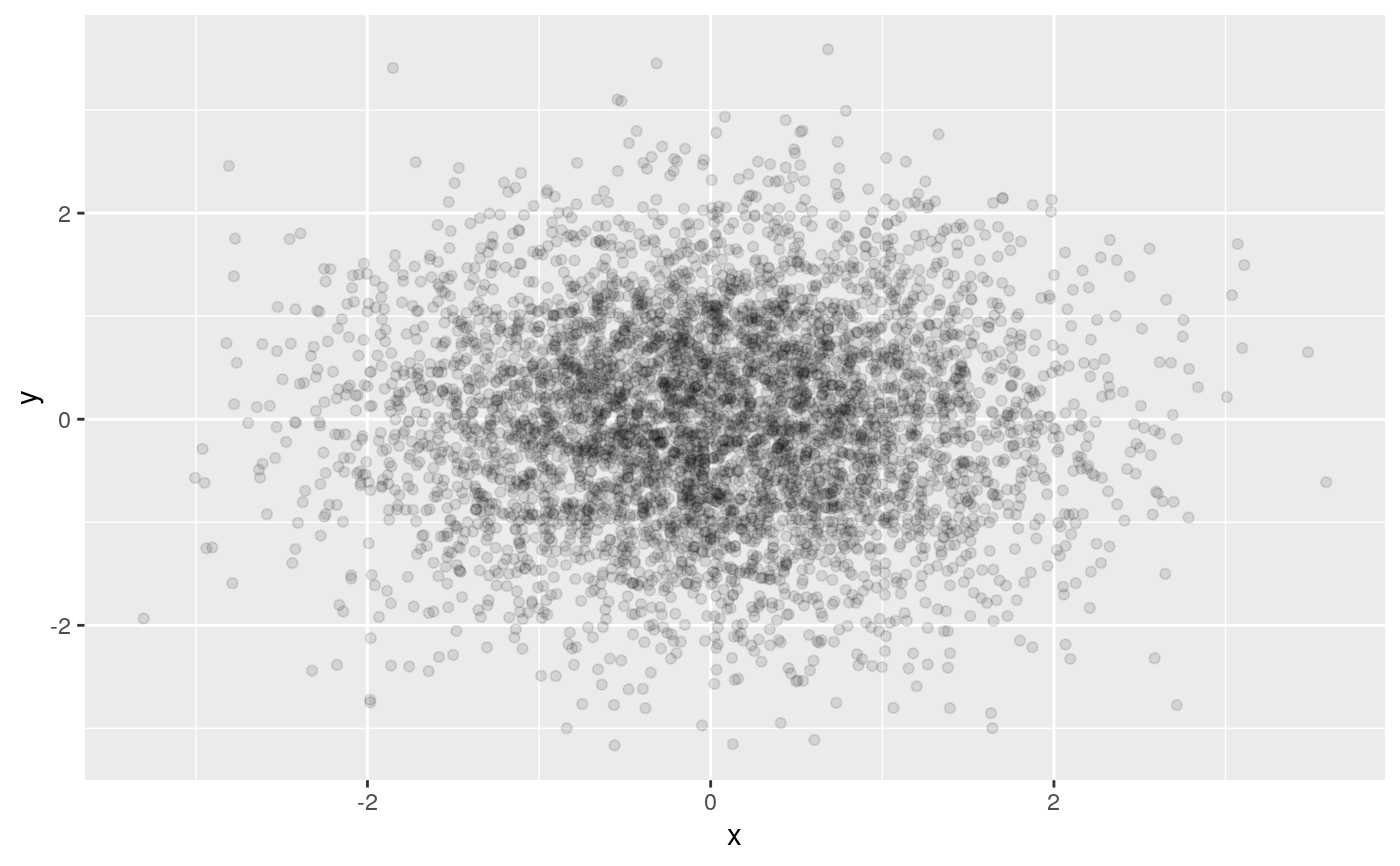
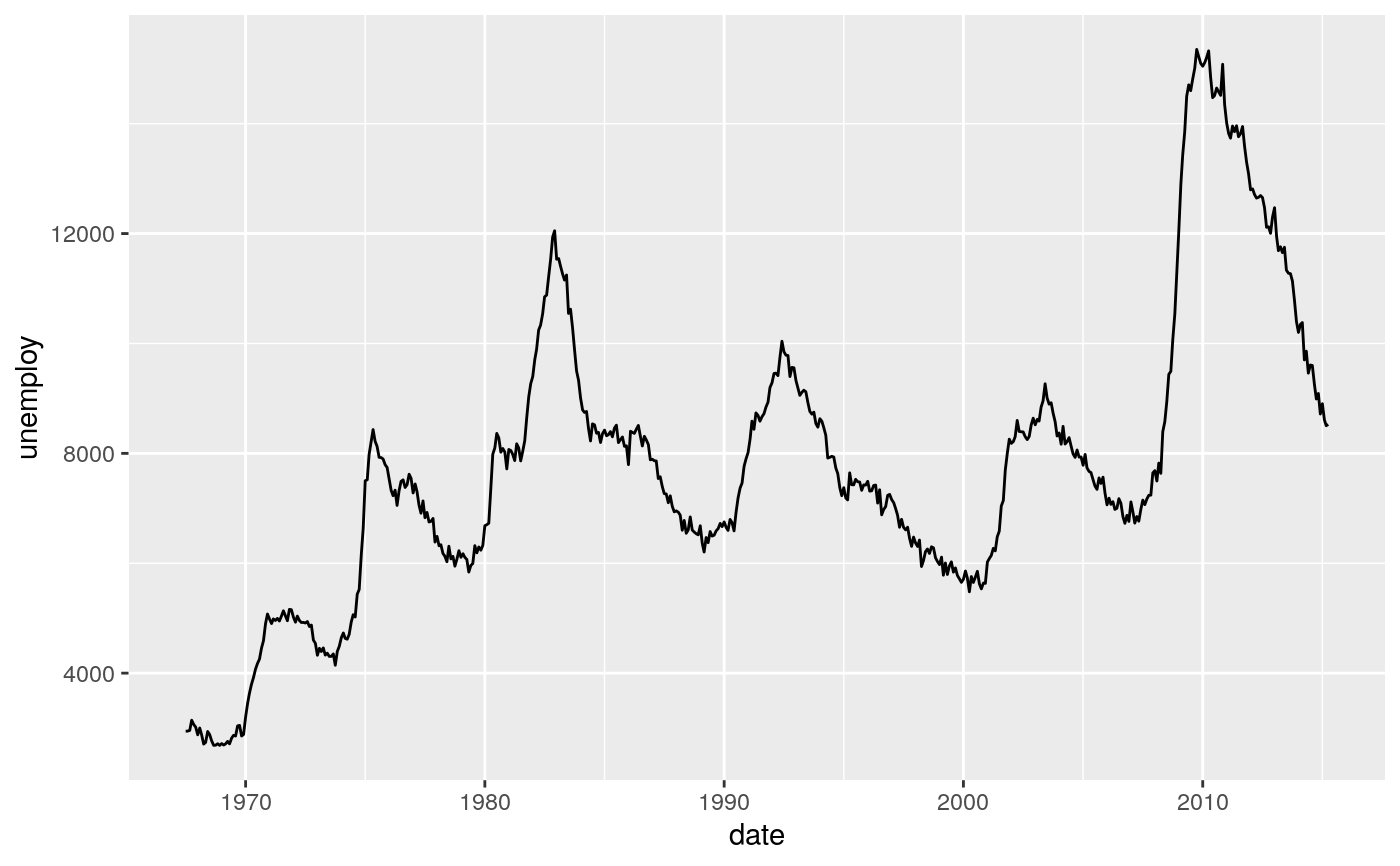
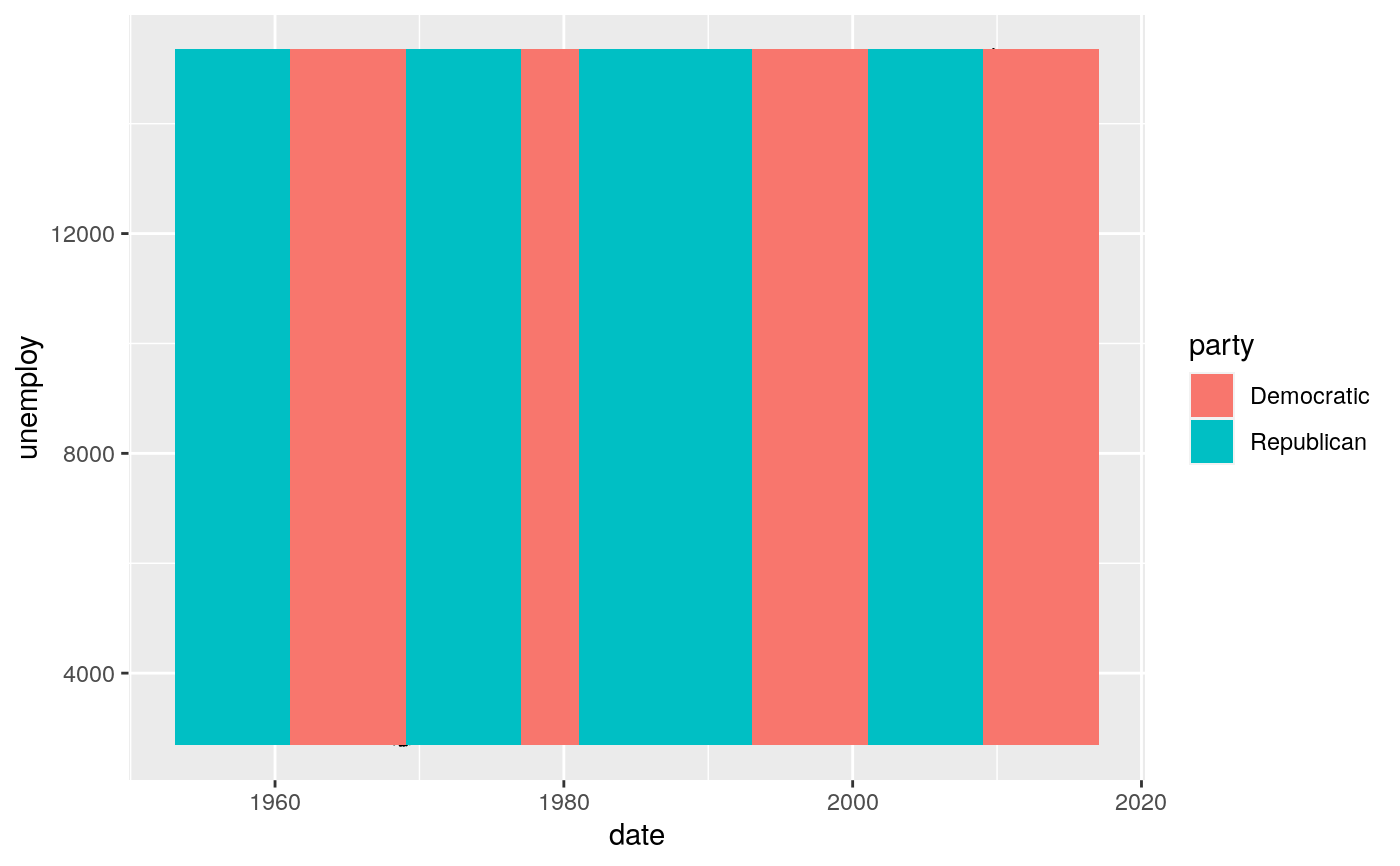
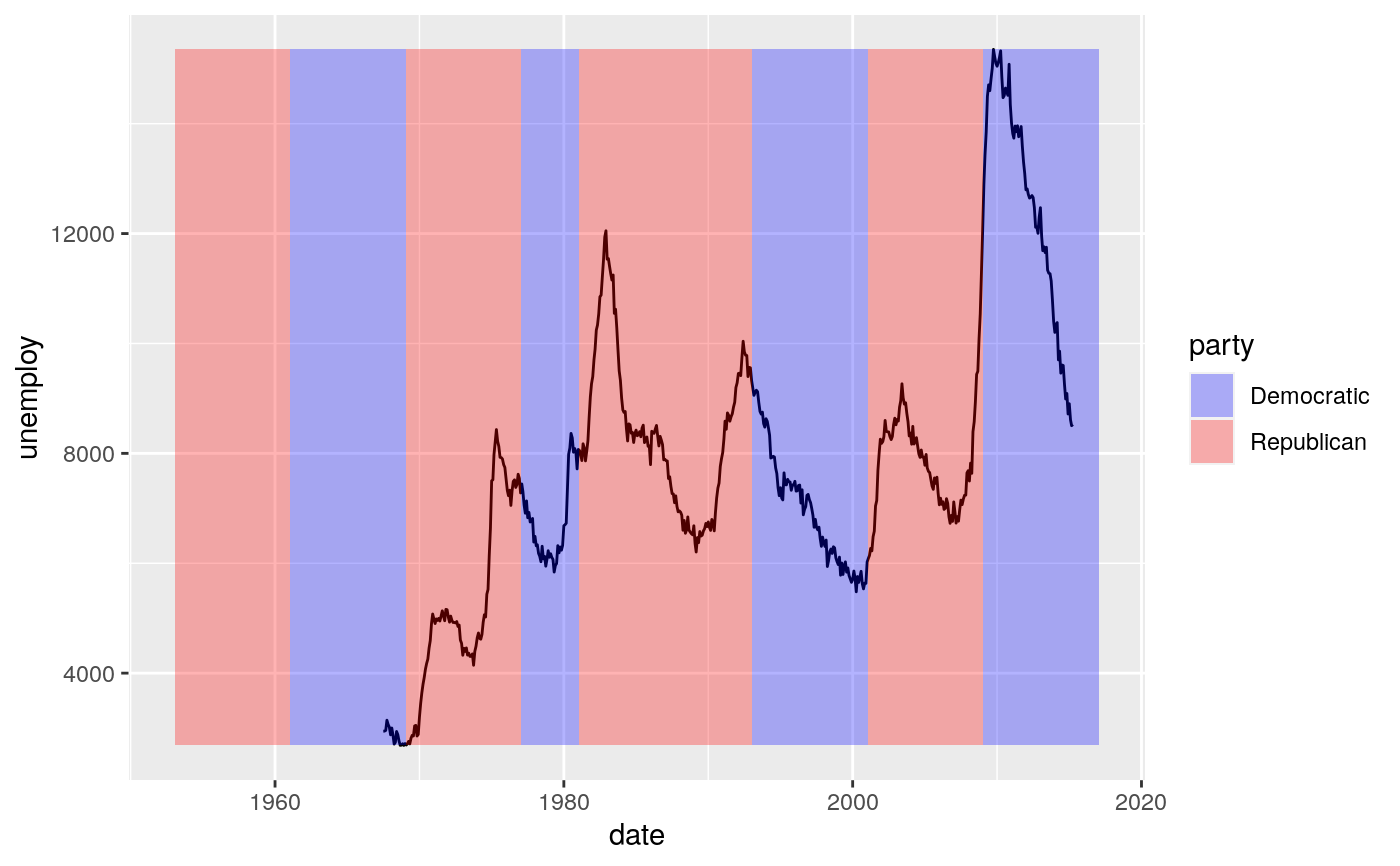
# \donttest{ # Bar chart example p <- ggplot(mtcars, aes(factor(cyl))) # Default plotting p + geom_bar()# Colouring scales differ depending on whether a discrete or # continuous variable is being mapped. For example, when mapping # fill to a factor variable, a discrete colour scale is used. ggplot(mtcars, aes(factor(cyl), fill = factor(vs))) + geom_bar()# When mapping fill to continuous variable a continuous colour # scale is used. ggplot(faithfuld, aes(waiting, eruptions)) + geom_raster(aes(fill = density))# Some geoms only use the colour aesthetic but not the fill # aesthetic (e.g. geom_point() or geom_line()). p <- ggplot(economics, aes(x = date, y = unemploy)) p + geom_line()p + geom_point()# For large datasets with overplotting the alpha # aesthetic will make the points more transparent. df <- data.frame(x = rnorm(5000), y = rnorm(5000)) p <- ggplot(df, aes(x,y)) p + geom_point()# Alpha can also be used to add shading. p <- ggplot(economics, aes(x = date, y = unemploy)) + geom_line() pyrng <- range(economics$unemploy) p <- p + geom_rect(aes(NULL, NULL, xmin = start, xmax = end, fill = party), ymin = yrng[1], ymax = yrng[2], data = presidential) p# }