Scale bytes into human friendly units. Can use either SI units (e.g. kB = 1000 bytes) or binary units (e.g. kiB = 1024 bytes). See Units of Information on Wikipedia for more details.
label_bytes(units = "auto_si", accuracy = 1, ...)
Arguments
| units | Unit to use. Should either one of:
|
|---|---|
| accuracy | A number to round to. Use (e.g.) Applied to rescaled data. |
| ... | Other arguments passed on to |
Value
A labeller function that takes a numeric vector of breaks and returns a character vector of labels.
See also
Other labels for continuous scales: label_dollar,
label_number_auto,
label_number_si,
label_ordinal, label_parse,
label_percent, label_pvalue,
label_scientific
Other labels for log scales: label_number_si,
label_scientific
Examples
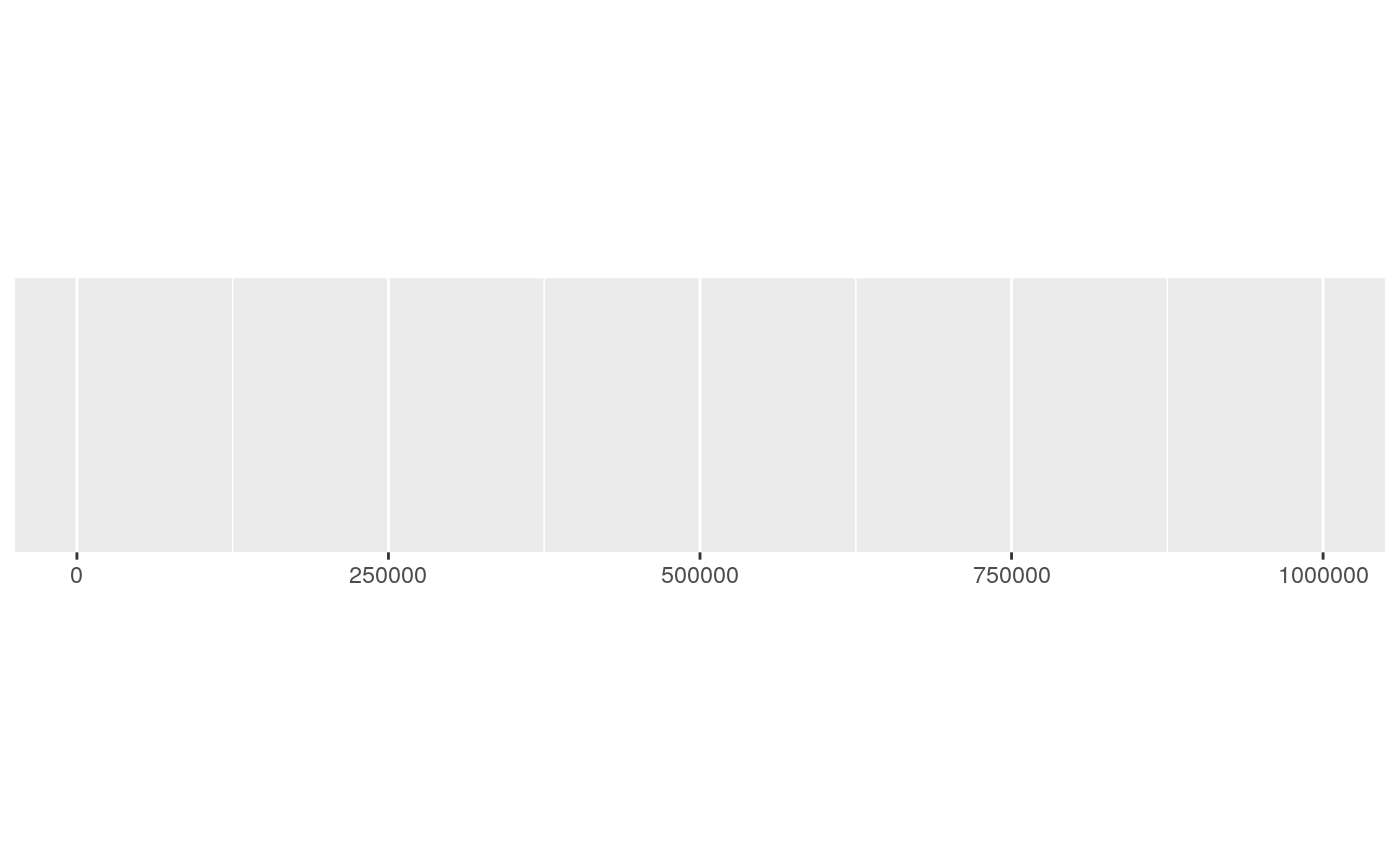
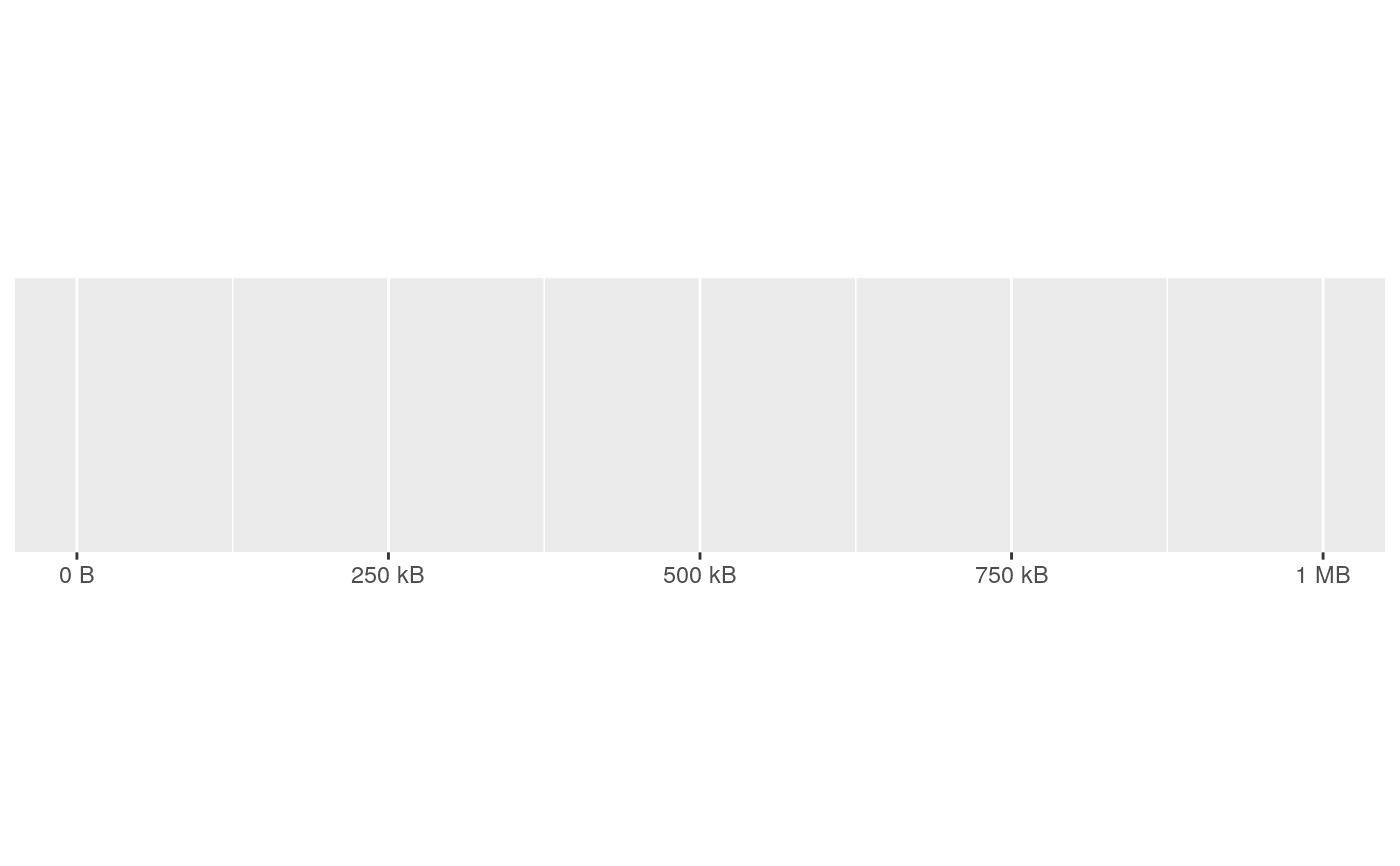
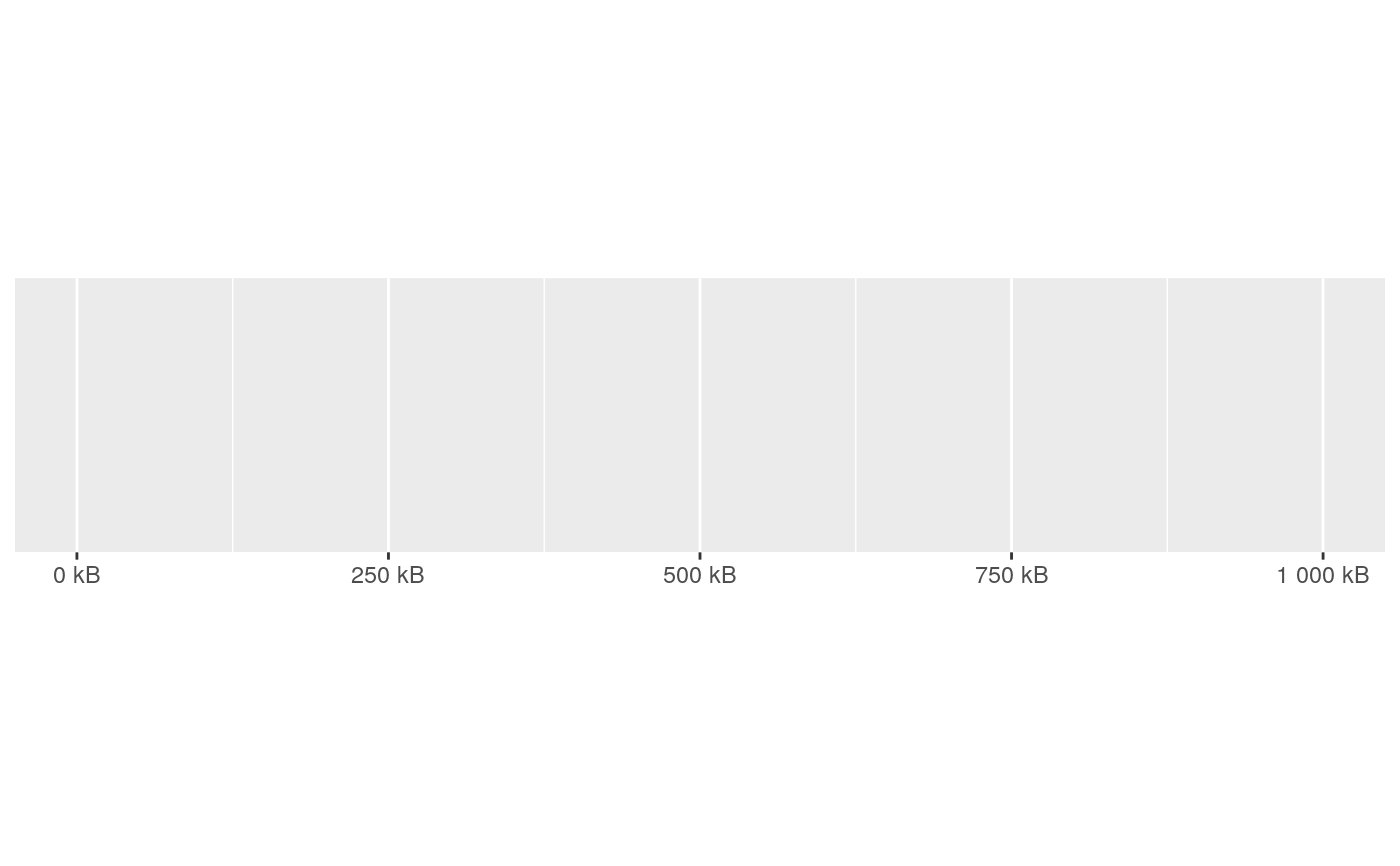
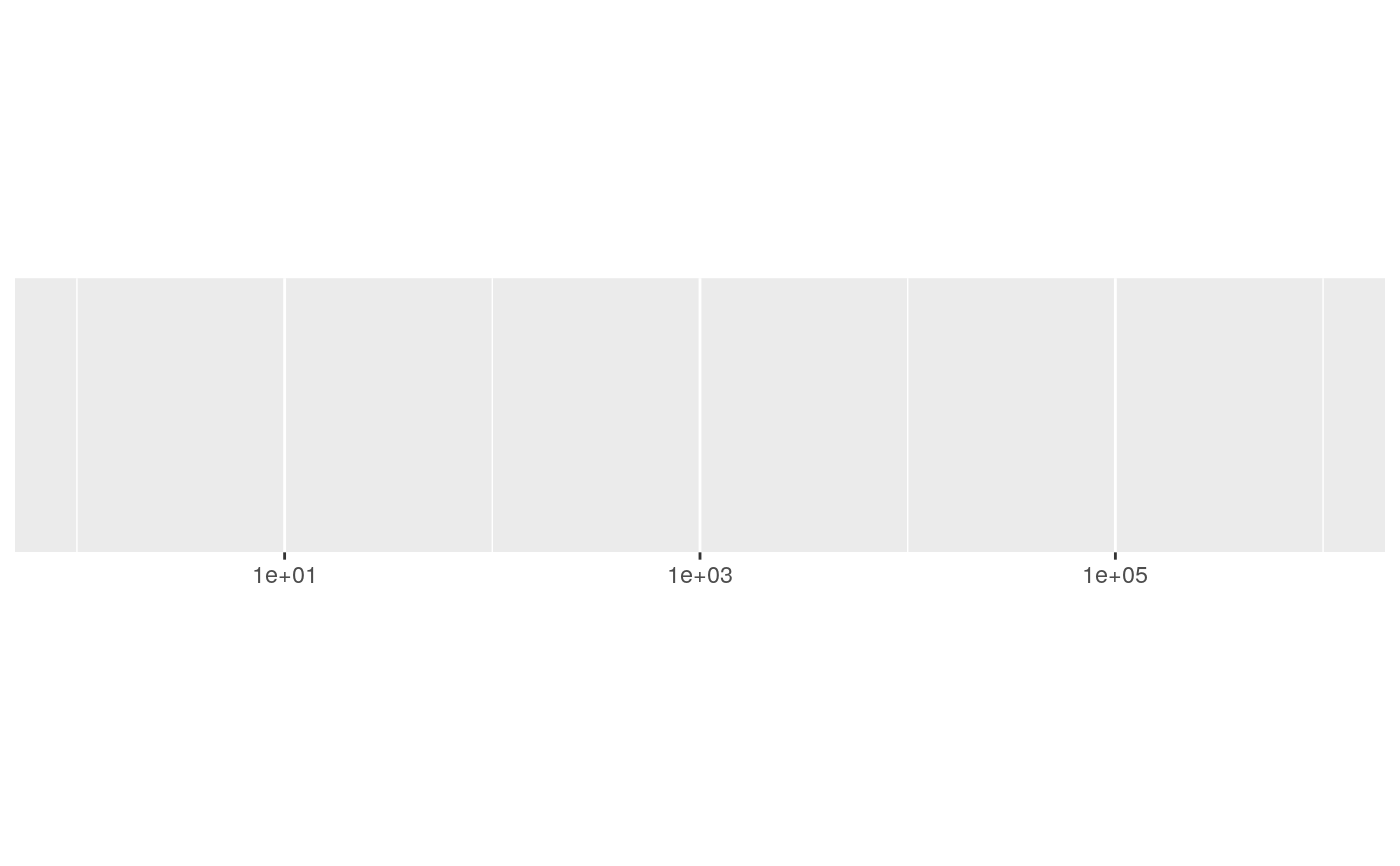
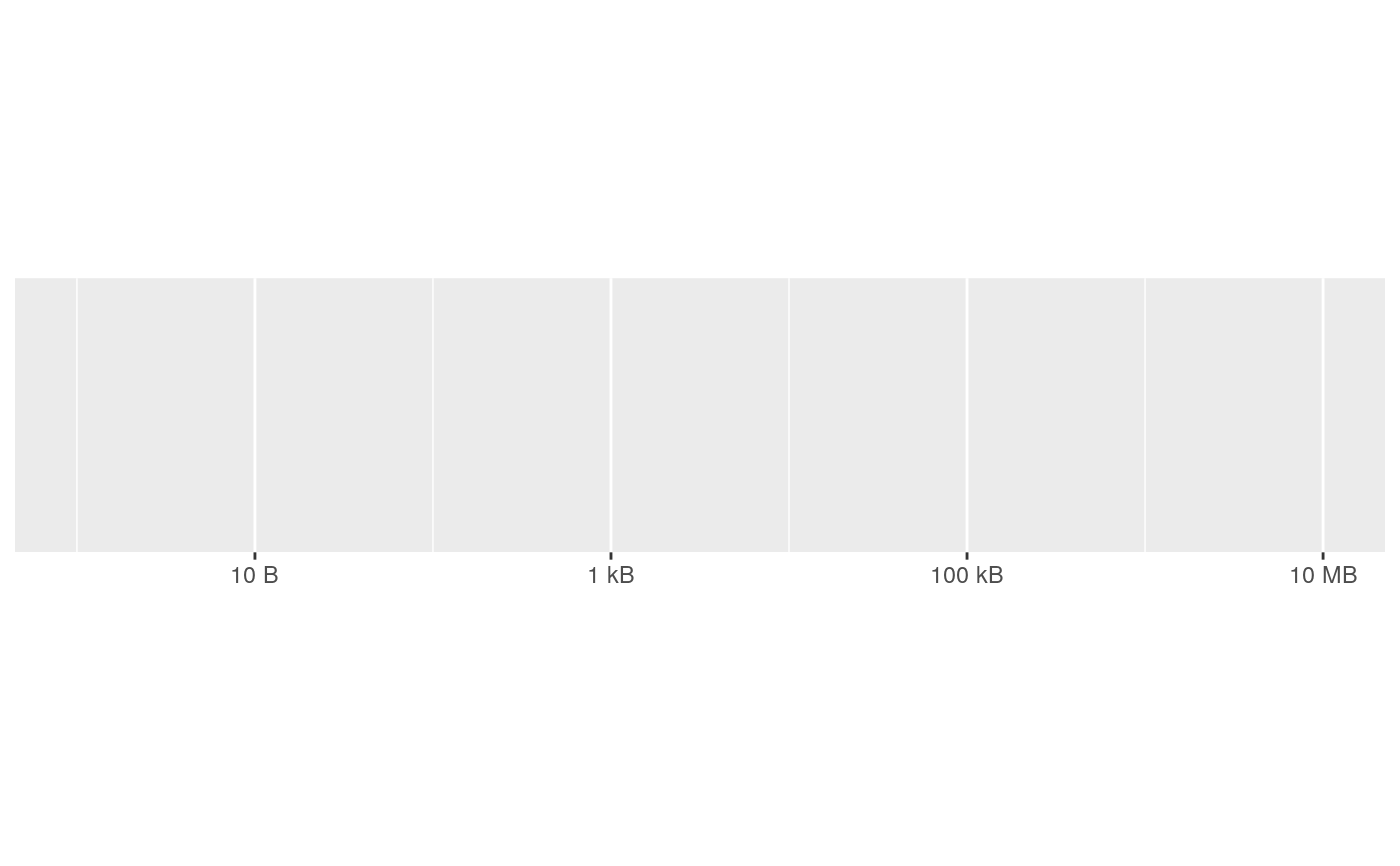
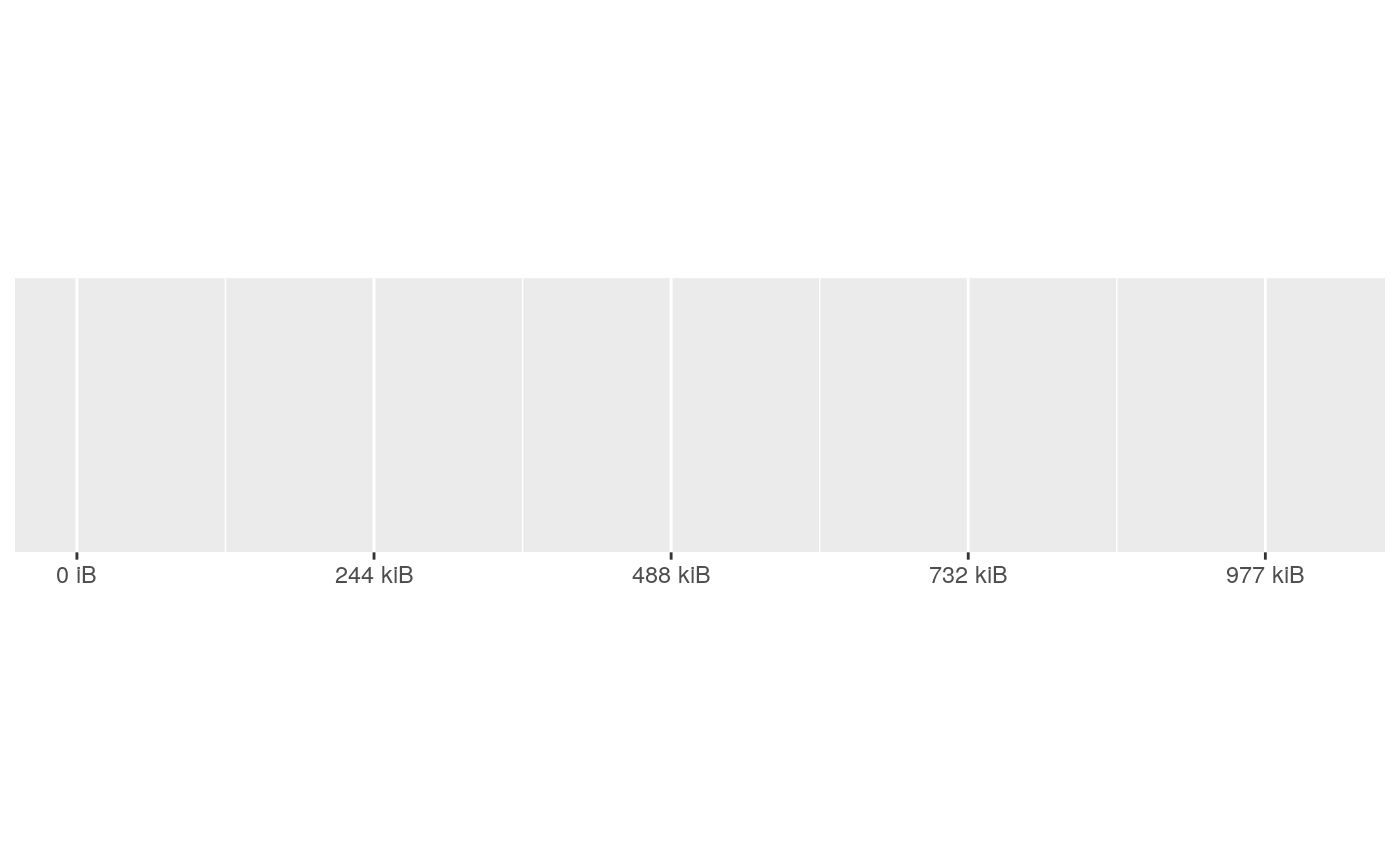
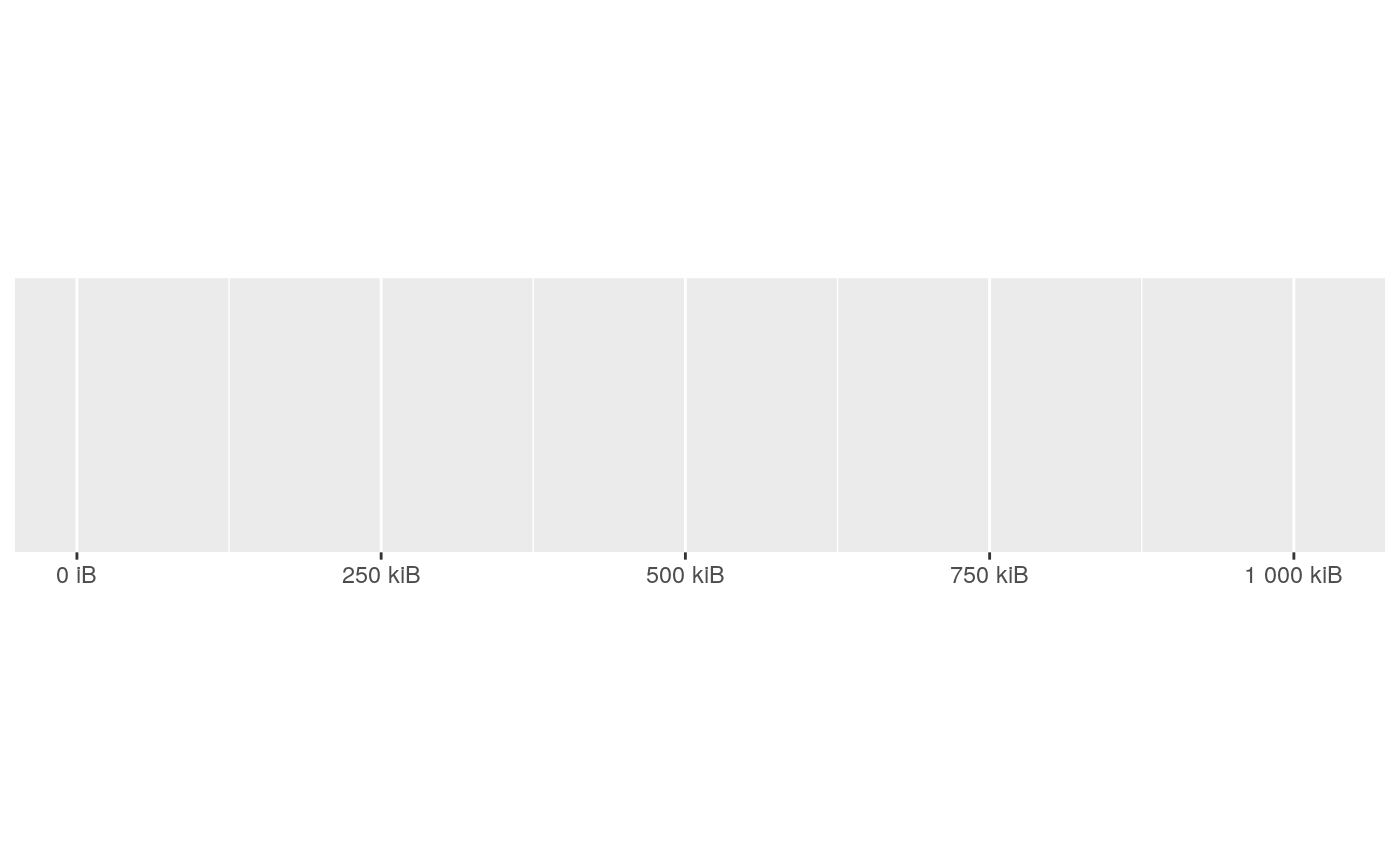
#> scale_x_continuous()#> scale_x_continuous(label = label_bytes())#> scale_x_continuous(label = label_bytes("kB"))#> scale_x_log10()#> scale_x_log10(label = label_bytes())# You can also use binary units where a megabyte is defined as # (1024) ^ 2 bytes rather than (1000) ^ 2. You'll need to override # the default breaks to make this more informative. demo_continuous(c(1, 1024^2), label = label_bytes("auto_binary"))#> scale_x_continuous(label = label_bytes("auto_binary"))demo_continuous(c(1, 1024^2), breaks = breaks_width(250 * 1024), label = label_bytes("auto_binary") )#> scale_x_continuous(breaks = breaks_width(250 * 1024), label = label_bytes("auto_binary"))