Format numbers as currency, rounding values to dollars or cents using a convenient heuristic.
label_dollar(
  accuracy = NULL,
  scale = 1,
  prefix = "$",
  suffix = "",
  big.mark = ",",
  decimal.mark = ".",
  trim = TRUE,
  largest_with_cents = 1e+05,
  negative_parens = deprecated(),
  ...
)
Arguments
- accuracy, largest_with_cents
Number to round to. If
NULL, the default, values will be rounded to the nearest integer, unless any of the values has non-zero fractional component (e.g. cents) and the largest value is less thanlargest_with_centswhich by default is 100,000.- scale
A scaling factor:
xwill be multiplied byscalebefore formatting. This is useful if the underlying data is very small or very large.- prefix, suffix
Symbols to display before and after value.
- big.mark
Character used between every 3 digits to separate thousands.
- decimal.mark
The character to be used to indicate the numeric decimal point.
- trim
Logical, if
FALSE, values are right-justified to a common width (seebase::format()).- negative_parens
![[Deprecated]](figures/lifecycle-deprecated.svg) Use
Use
style_negative = "parens"instead.- ...
Other arguments passed on to
base::format().
Value
All label_() functions return a "labelling" function, i.e. a function that
takes a vector x and returns a character vector of length(x) giving a
label for each input value.
Labelling functions are designed to be used with the labels argument of
ggplot2 scales. The examples demonstrate their use with x scales, but
they work similarly for all scales, including those that generate legends
rather than axes.
See also
Other labels for continuous scales:
label_bytes(),
label_number_auto(),
label_number_si(),
label_ordinal(),
label_parse(),
label_percent(),
label_pvalue(),
label_scientific()
Examples
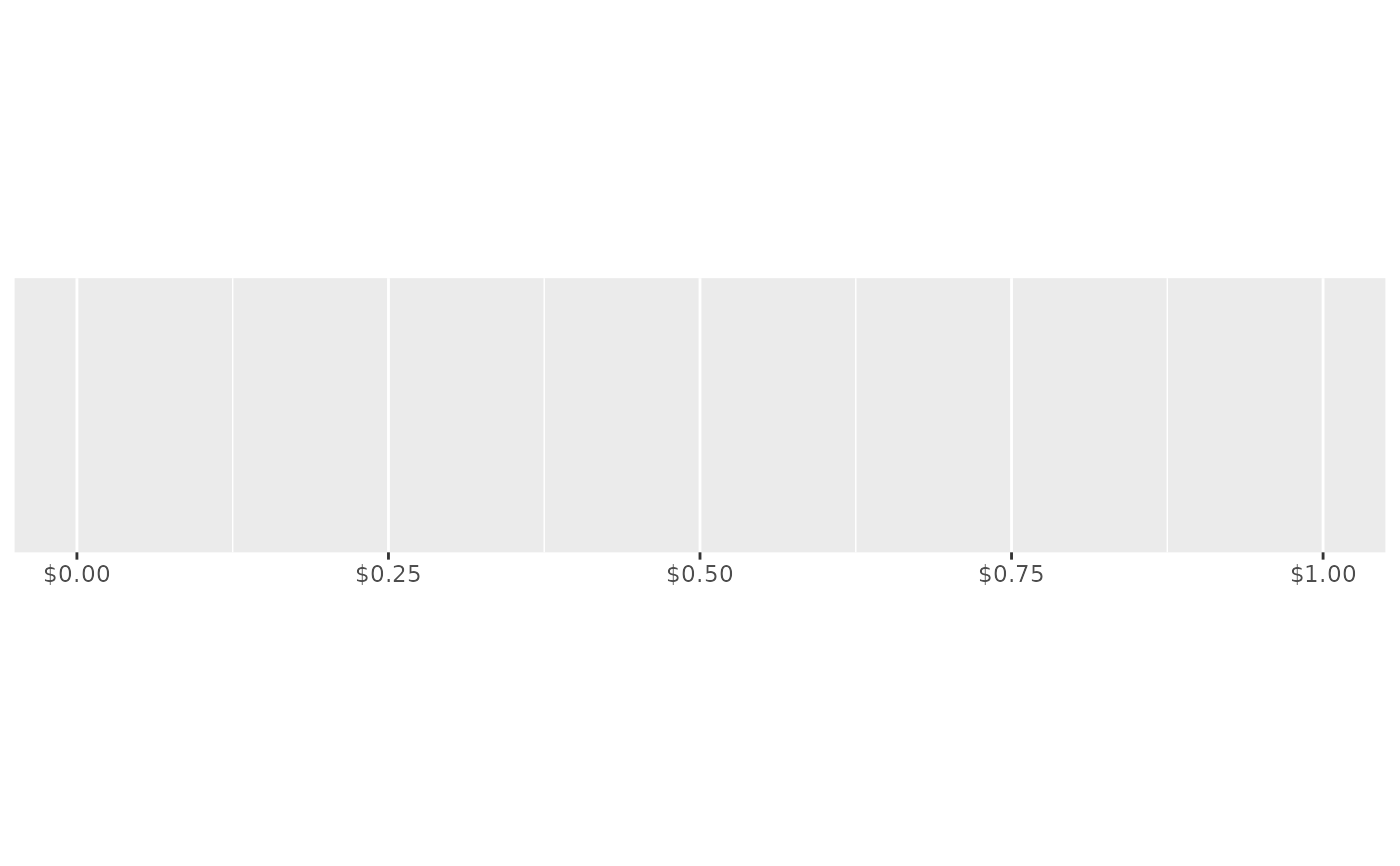
demo_continuous(c(0, 1), labels = label_dollar())
#> scale_x_continuous(labels = label_dollar())
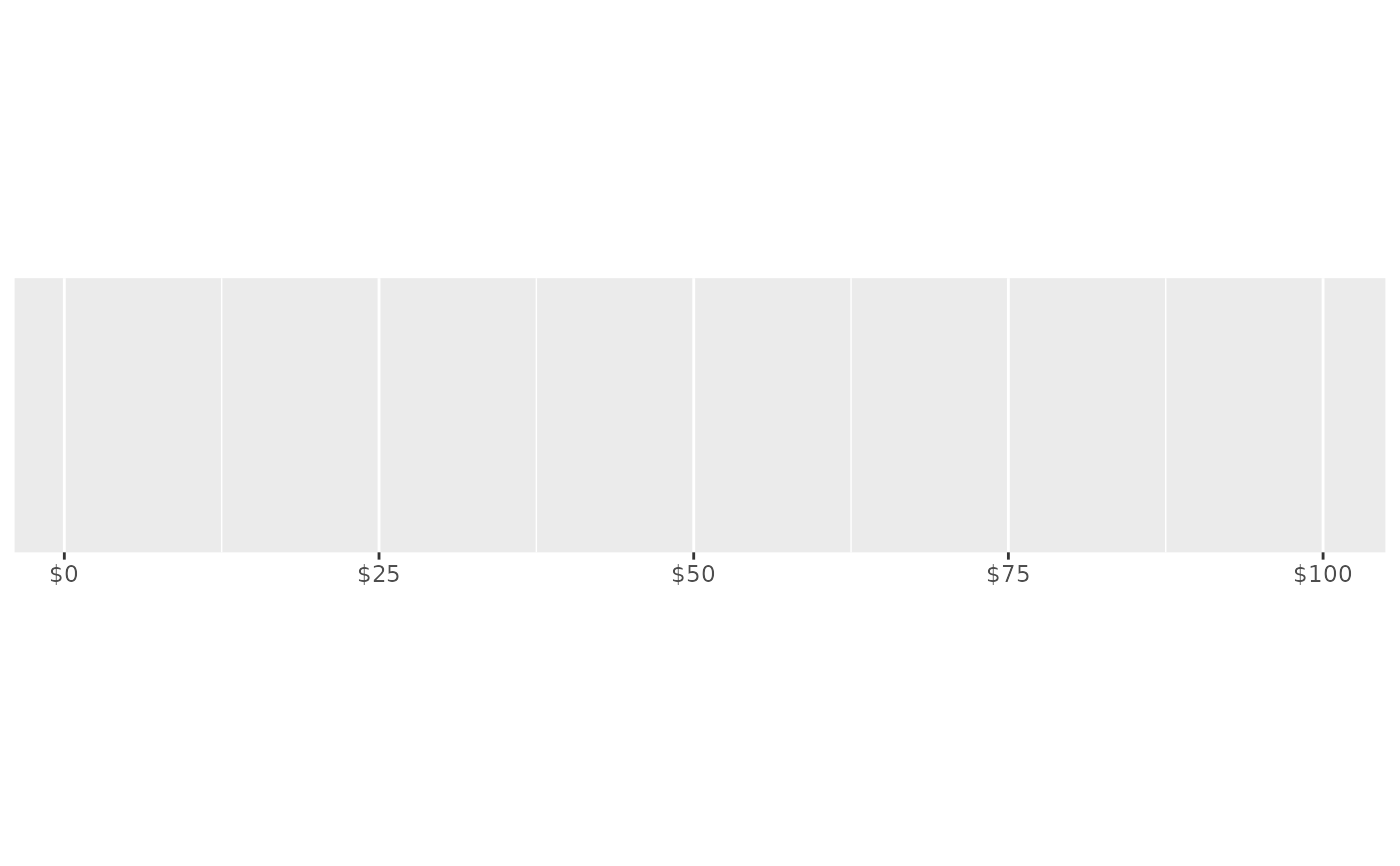
 demo_continuous(c(1, 100), labels = label_dollar())
#> scale_x_continuous(labels = label_dollar())
demo_continuous(c(1, 100), labels = label_dollar())
#> scale_x_continuous(labels = label_dollar())
 # Customise currency display with prefix and suffix
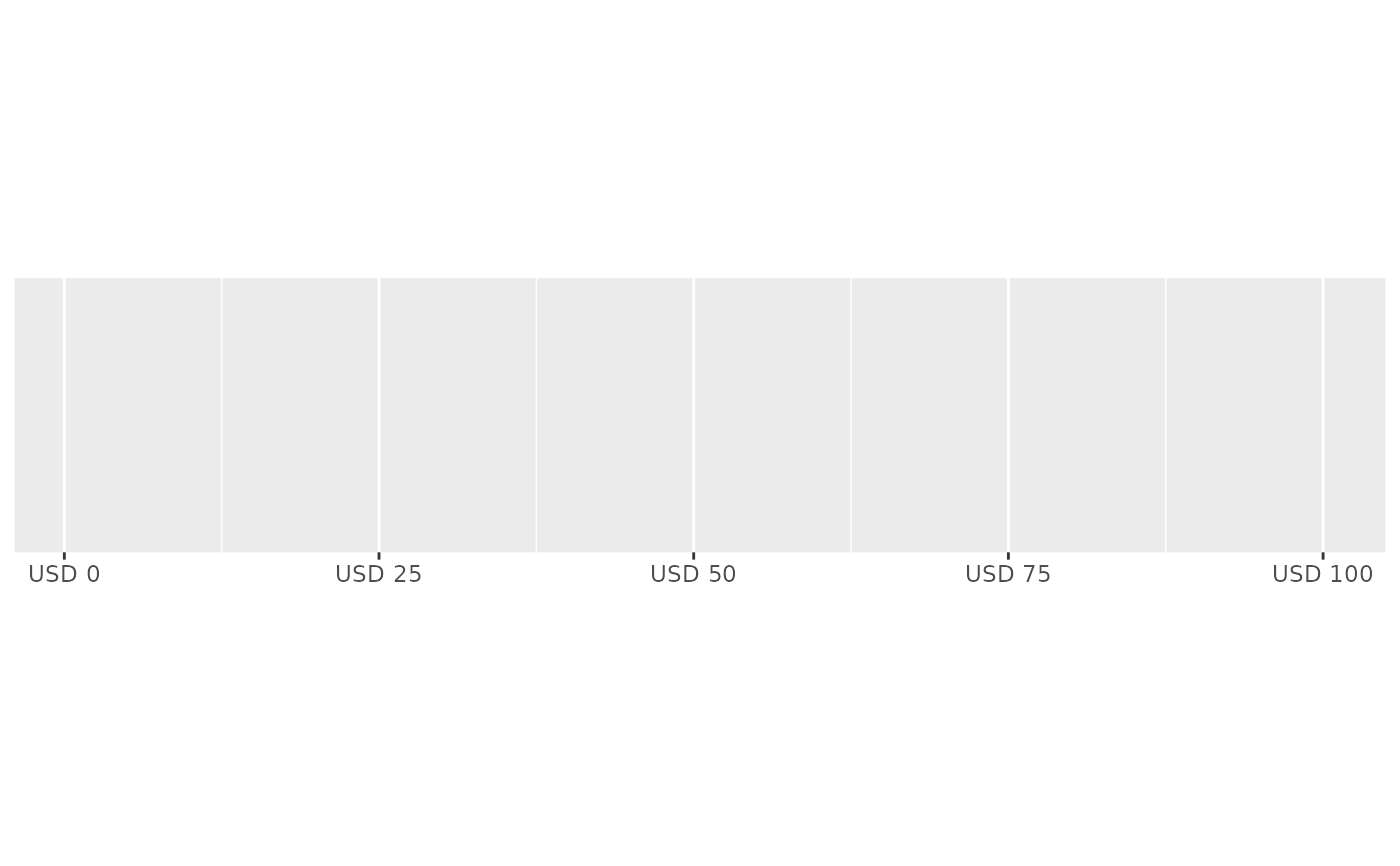
demo_continuous(c(1, 100), labels = label_dollar(prefix = "USD "))
#> scale_x_continuous(labels = label_dollar(prefix = "USD "))
# Customise currency display with prefix and suffix
demo_continuous(c(1, 100), labels = label_dollar(prefix = "USD "))
#> scale_x_continuous(labels = label_dollar(prefix = "USD "))
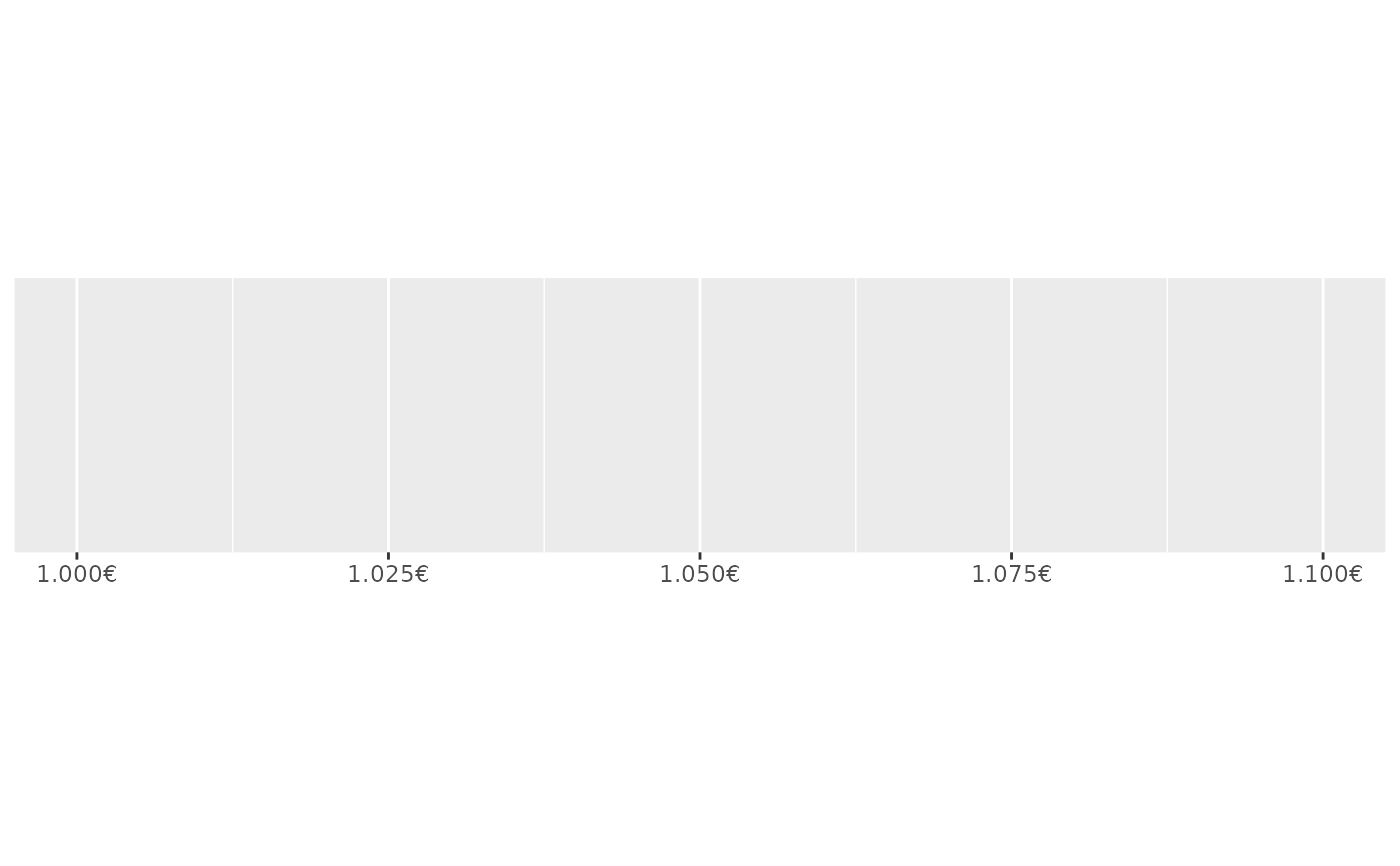
 euro <- label_dollar(
prefix = "",
suffix = "\u20ac",
big.mark = ".",
decimal.mark = ","
)
demo_continuous(c(1000, 1100), labels = euro)
#> scale_x_continuous(labels = euro)
euro <- label_dollar(
prefix = "",
suffix = "\u20ac",
big.mark = ".",
decimal.mark = ","
)
demo_continuous(c(1000, 1100), labels = euro)
#> scale_x_continuous(labels = euro)
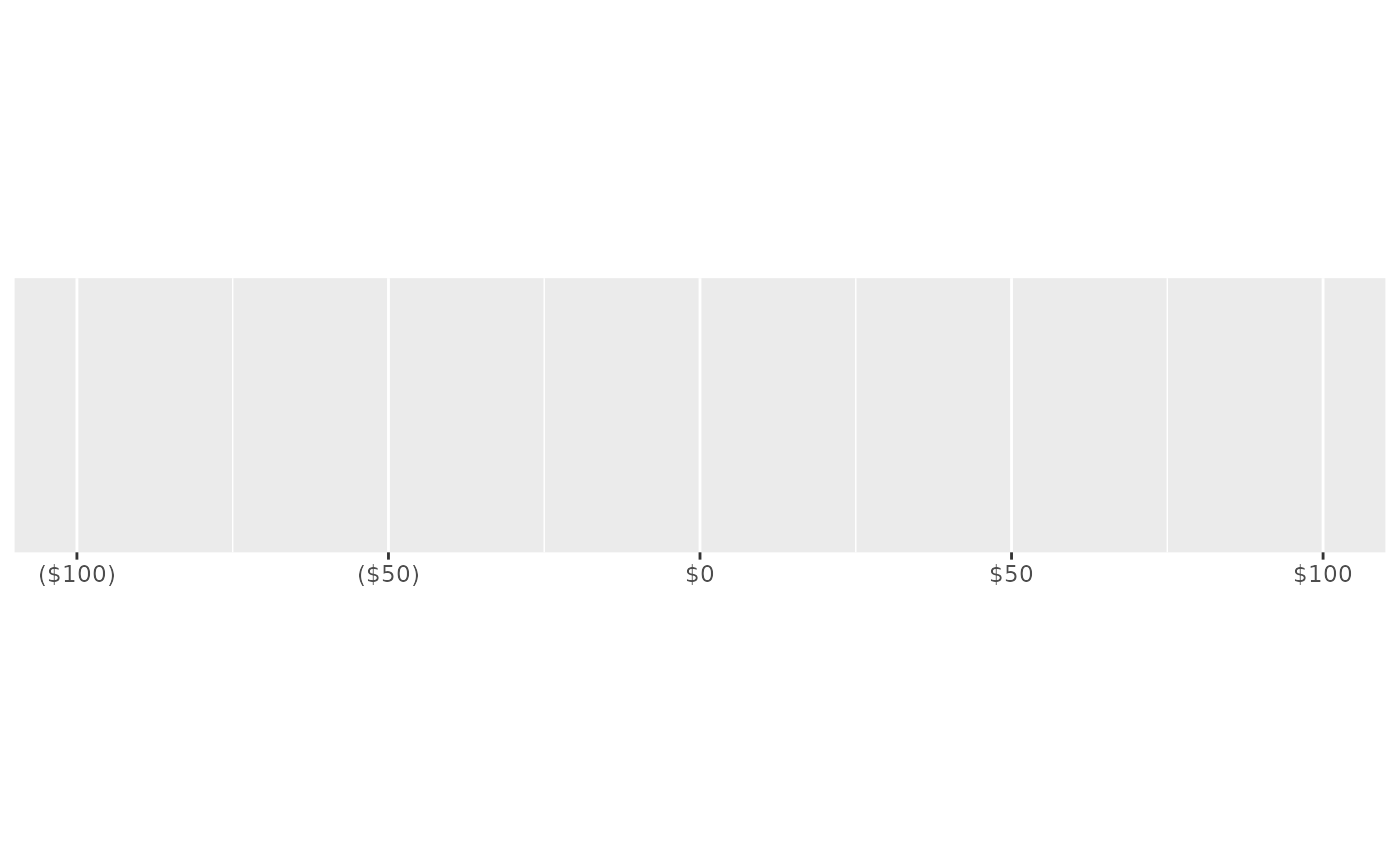
 # Use negative_parens = TRUE for finance style display
demo_continuous(c(-100, 100), labels = label_dollar(style_negative = "parens"))
#> scale_x_continuous(labels = label_dollar(style_negative = "parens"))
# Use negative_parens = TRUE for finance style display
demo_continuous(c(-100, 100), labels = label_dollar(style_negative = "parens"))
#> scale_x_continuous(labels = label_dollar(style_negative = "parens"))
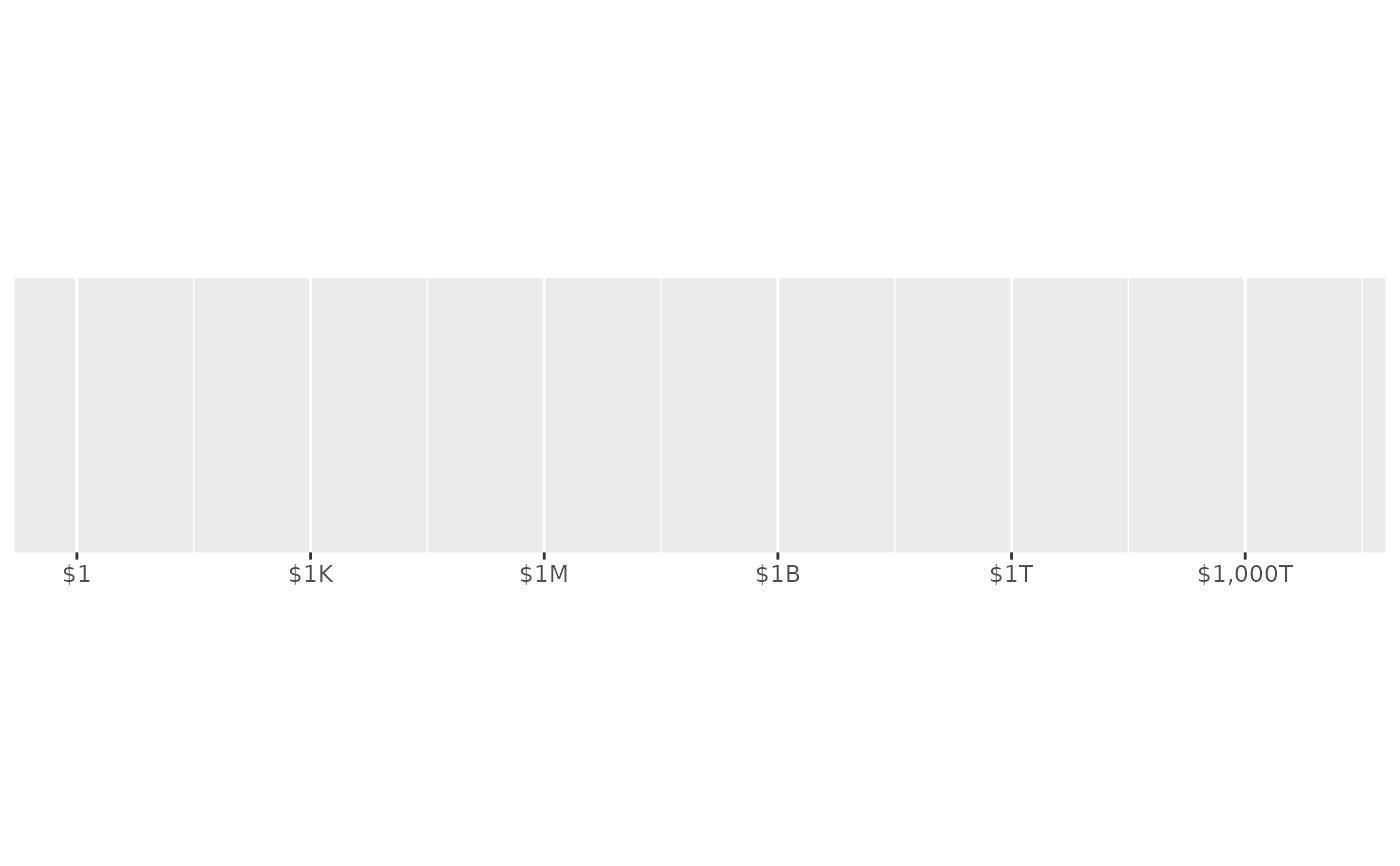
 # Use scale_cut to use K/M/B where appropriate
demo_log10(c(1, 1e16),
breaks = log_breaks(7, 1e3),
labels = label_dollar(scale_cut = cut_short_scale())
)
#> scale_x_log10(breaks = log_breaks(7, 1000), labels = label_dollar(scale_cut = cut_short_scale()))
# Use scale_cut to use K/M/B where appropriate
demo_log10(c(1, 1e16),
breaks = log_breaks(7, 1e3),
labels = label_dollar(scale_cut = cut_short_scale())
)
#> scale_x_log10(breaks = log_breaks(7, 1000), labels = label_dollar(scale_cut = cut_short_scale()))
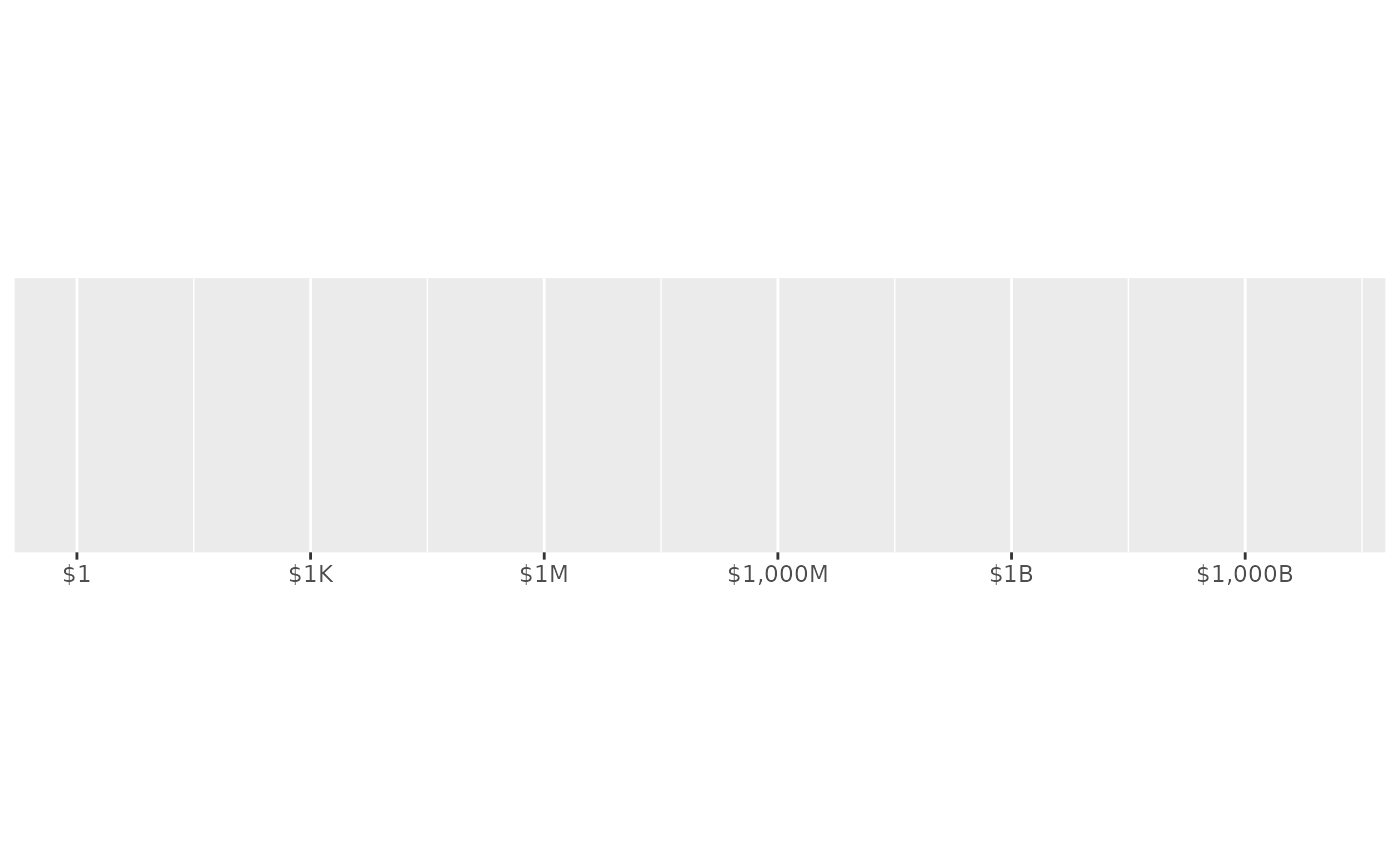
 # cut_short_scale() uses B = one thousand million
# cut_long_scale() uses B = one million million
demo_log10(c(1, 1e16),
breaks = log_breaks(7, 1e3),
labels = label_dollar(scale_cut = cut_long_scale())
)
#> scale_x_log10(breaks = log_breaks(7, 1000), labels = label_dollar(scale_cut = cut_long_scale()))
# cut_short_scale() uses B = one thousand million
# cut_long_scale() uses B = one million million
demo_log10(c(1, 1e16),
breaks = log_breaks(7, 1e3),
labels = label_dollar(scale_cut = cut_long_scale())
)
#> scale_x_log10(breaks = log_breaks(7, 1000), labels = label_dollar(scale_cut = cut_long_scale()))
 # You can also define your own breaks
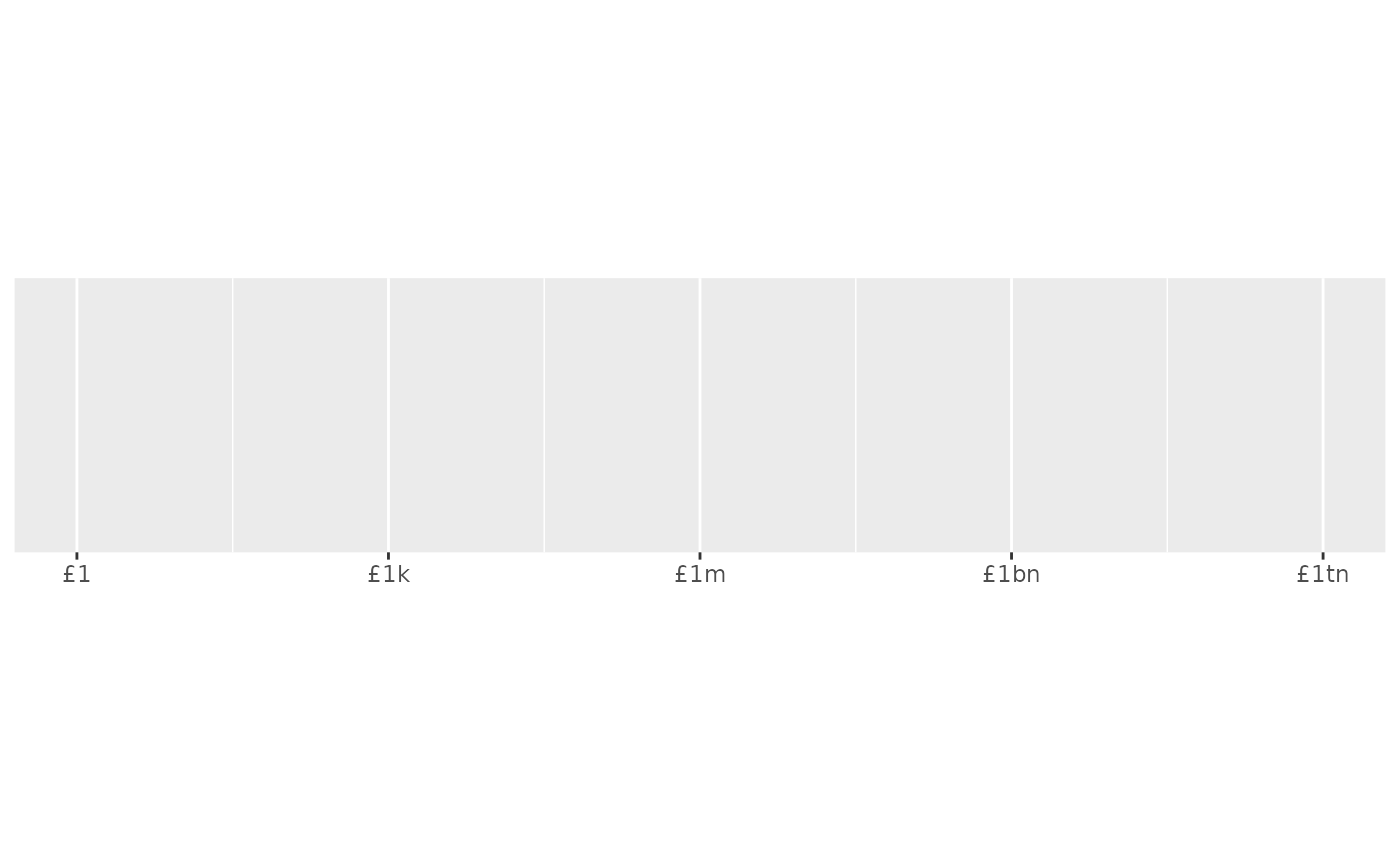
gbp <- label_dollar(
prefix = "\u00a3",
scale_cut = c(0, k = 1e3, m = 1e6, bn = 1e9, tn = 1e12)
)
demo_log10(c(1, 1e12), breaks = log_breaks(5, 1e3), labels = gbp)
#> scale_x_log10(breaks = log_breaks(5, 1000), labels = gbp)
# You can also define your own breaks
gbp <- label_dollar(
prefix = "\u00a3",
scale_cut = c(0, k = 1e3, m = 1e6, bn = 1e9, tn = 1e12)
)
demo_log10(c(1, 1e12), breaks = log_breaks(5, 1e3), labels = gbp)
#> scale_x_log10(breaks = log_breaks(5, 1000), labels = gbp)